 happiergym
New in happiergym
Bring your own training sheet
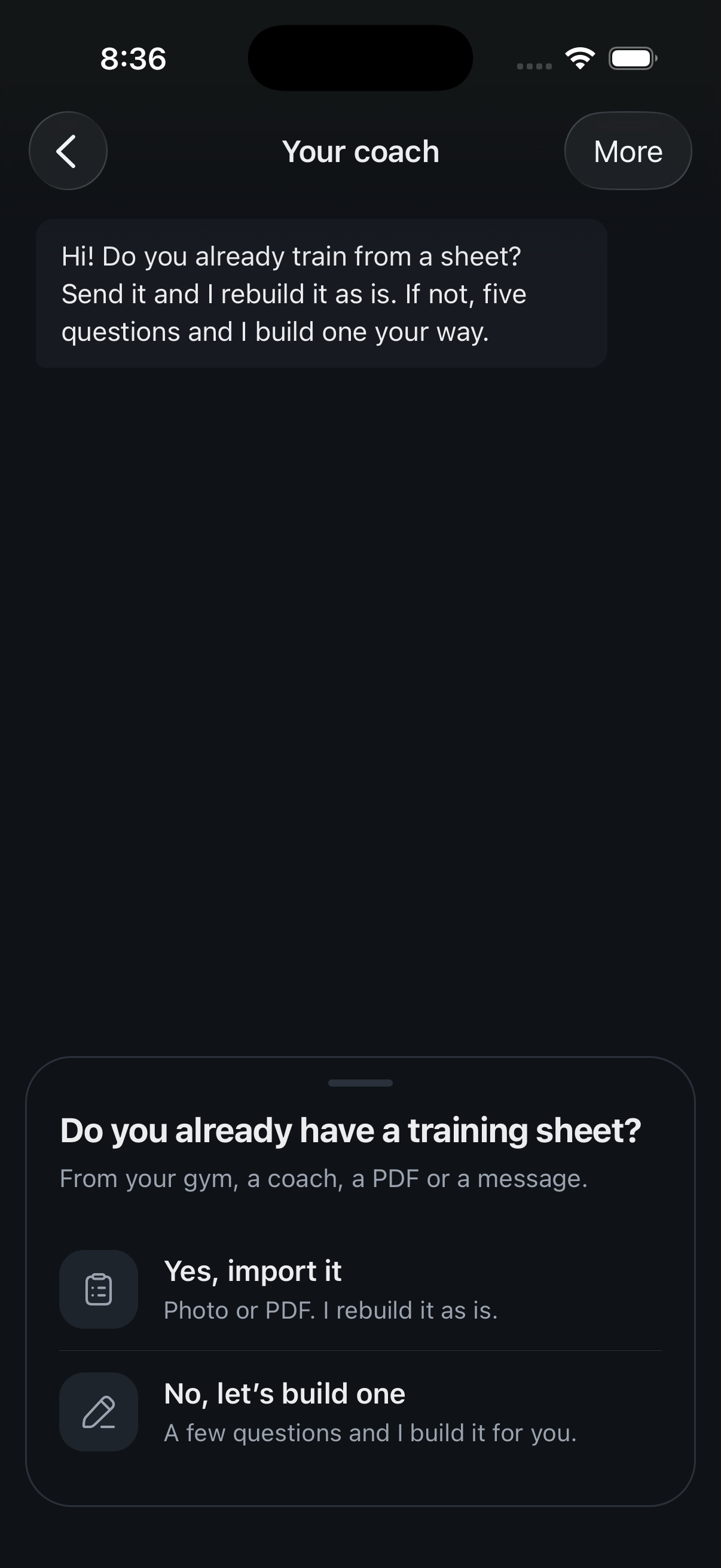
Already train from a sheet? Send it to your coach and get the same routine in the app, weights included.
 Start here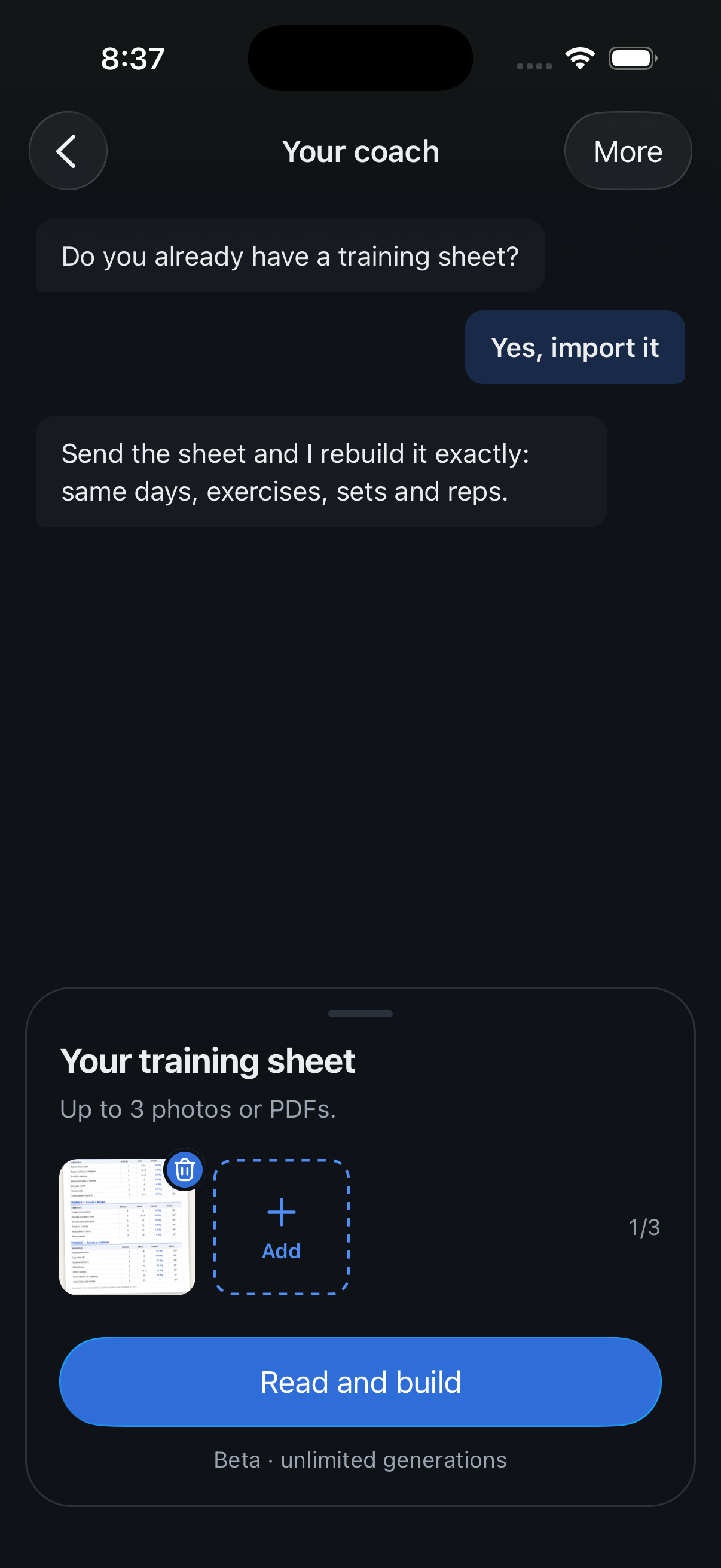
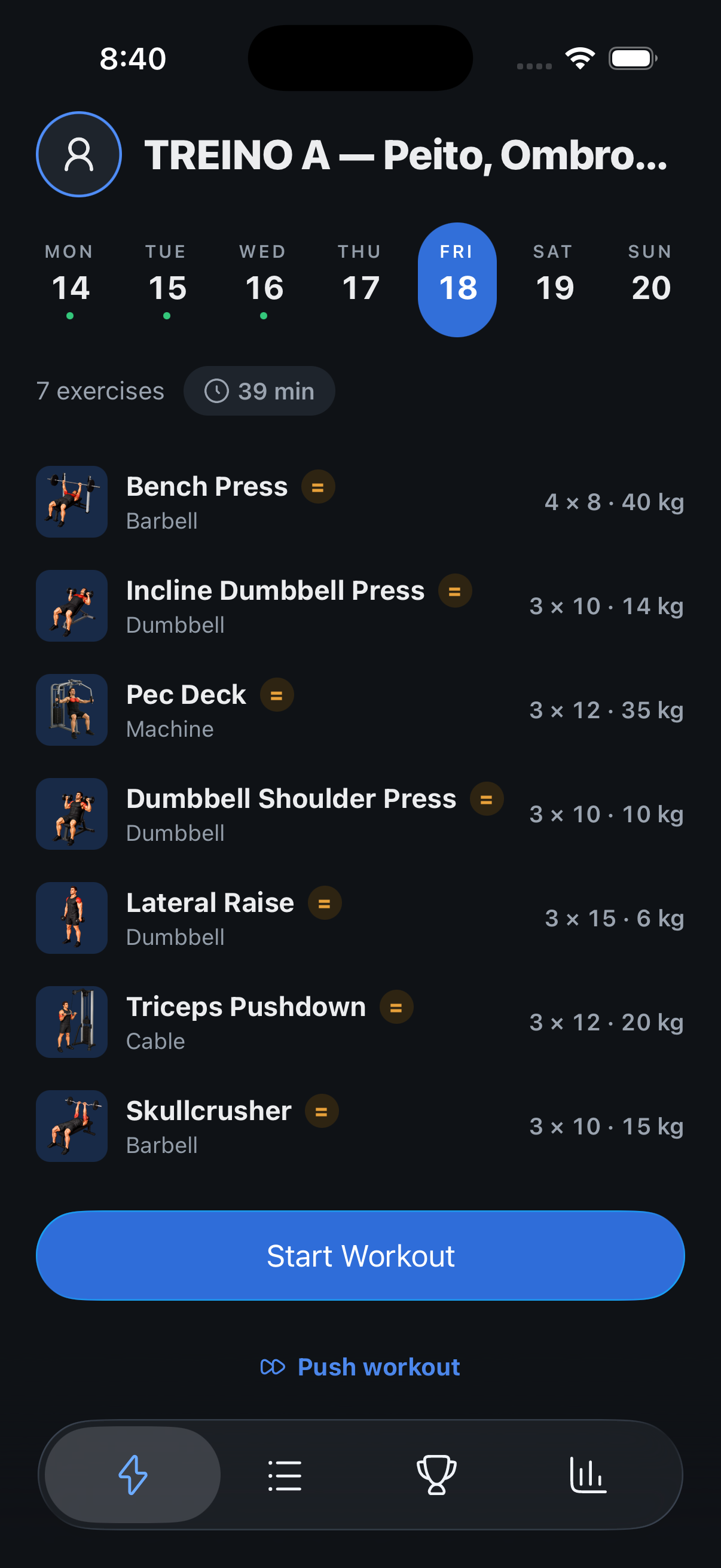
Screenshots use fictional demo data.
- Import a sheet: The coach now opens with one question, do you already have a training sheet? Say yes and send up to three photos or PDFs.
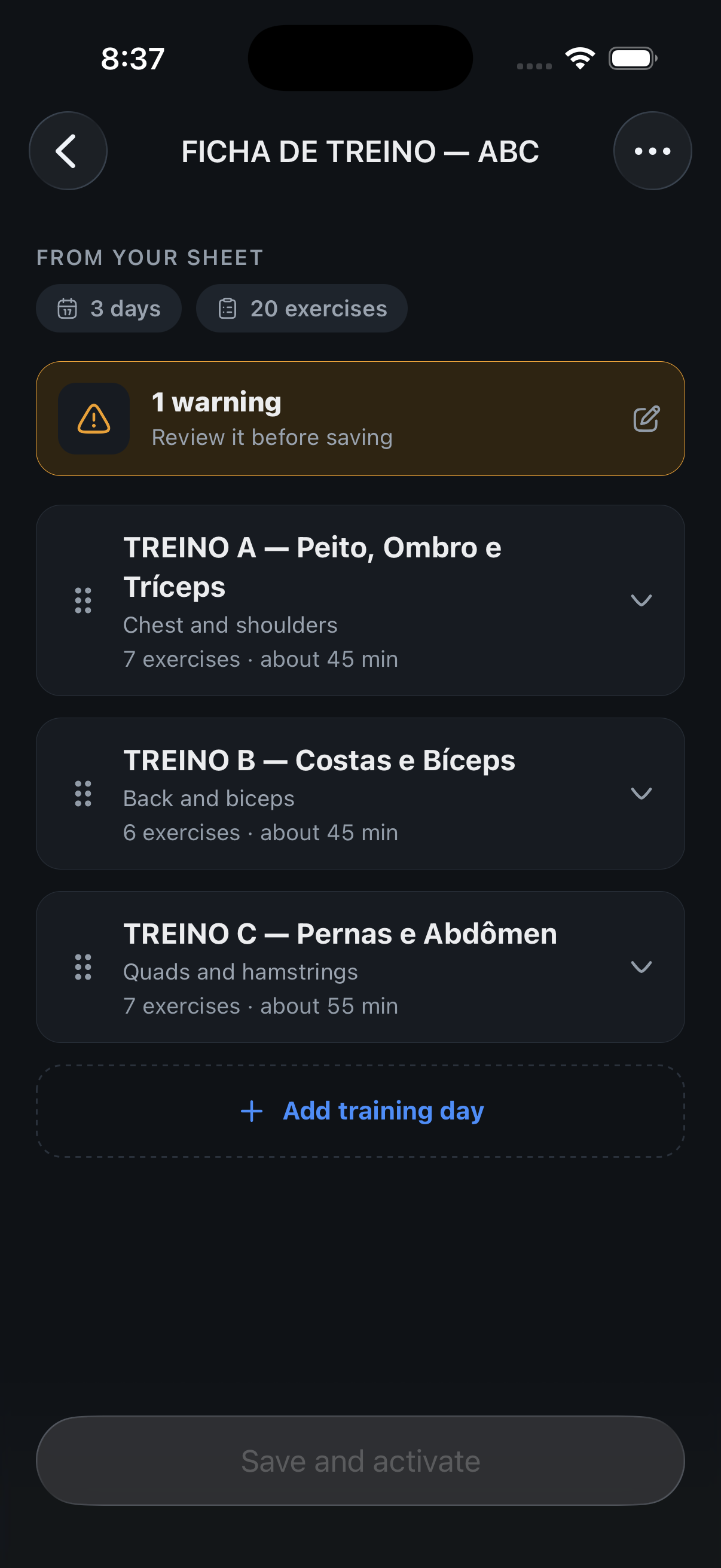
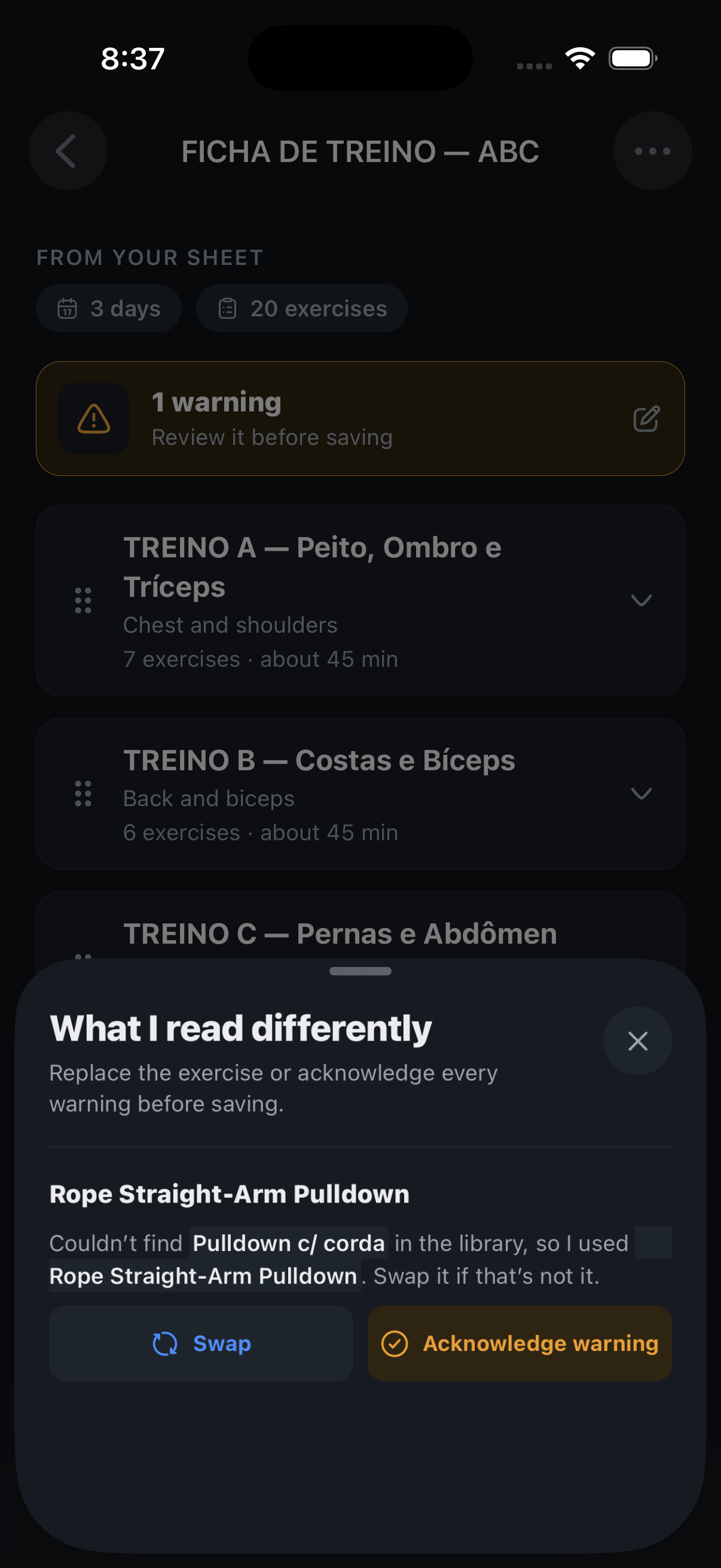
- Same routine, rebuilt: Days, exercises, sets, reps and rest come through as written. Each exercise is matched to the library; when a name was only close, the preview says what was used and lets you swap it.
- Your weights start you off: The loads on the sheet become the first session’s targets. From there, progression works as usual.
- Two generations: Reading a sheet uses two of the day’s three generations, one for the routine and one for the reading.
Fixed
- Beta testers: Accounts in the beta program have no daily limit on routines and coach reviews. Settings and the coach say so.
- Routine editor: An exercise with a single rep count reads “3 × 12”, not “3 × 12–12”.
- Rest chime: The rest-over sound file was renamed so Android builds compile again.
Where to find it: Routines tab, Build with your coach, then “Yes, import it”. Photos and PDFs; needs the newest TestFlight version.