 happiergym
New in happiergym
Cardio inside your workout
Add a bike, a run or a jump rope at any point of a strength session. Time it, done.
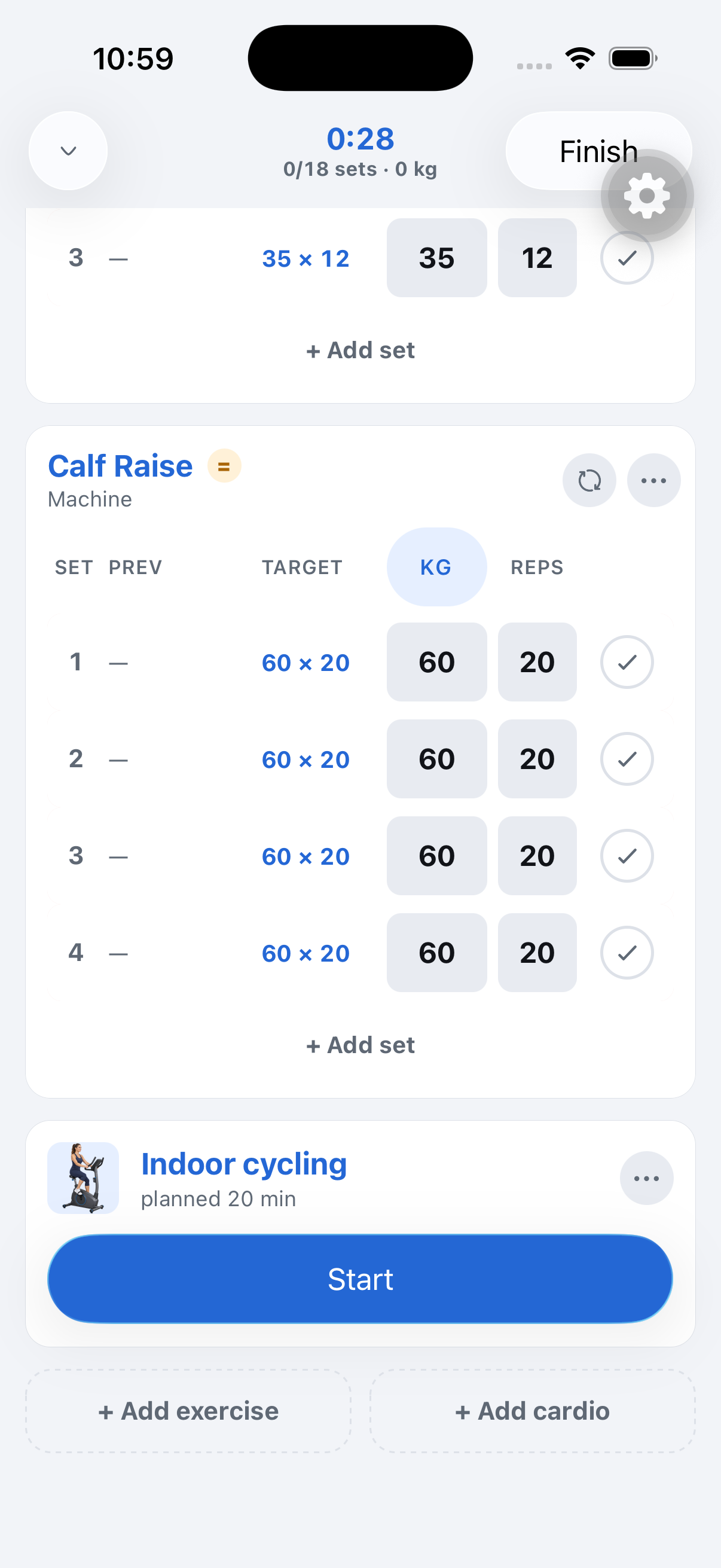 Tap Add cardio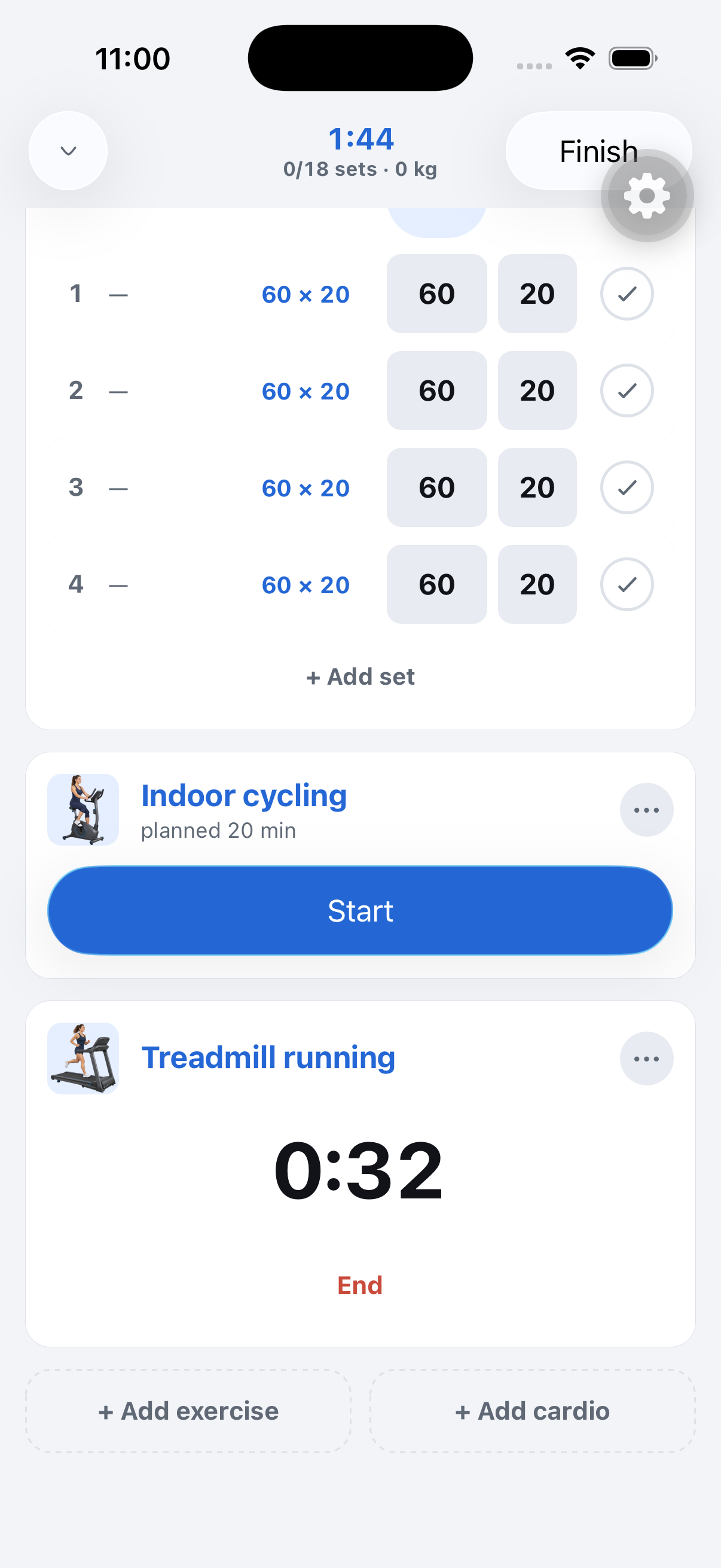
Screenshots use fictional demo data.
- Add it anywhere: The bottom of the session has a second button, Add cardio. Pick from the same catalog the log uses. The block lands right after the exercise you are on, and you can drag it like any card.
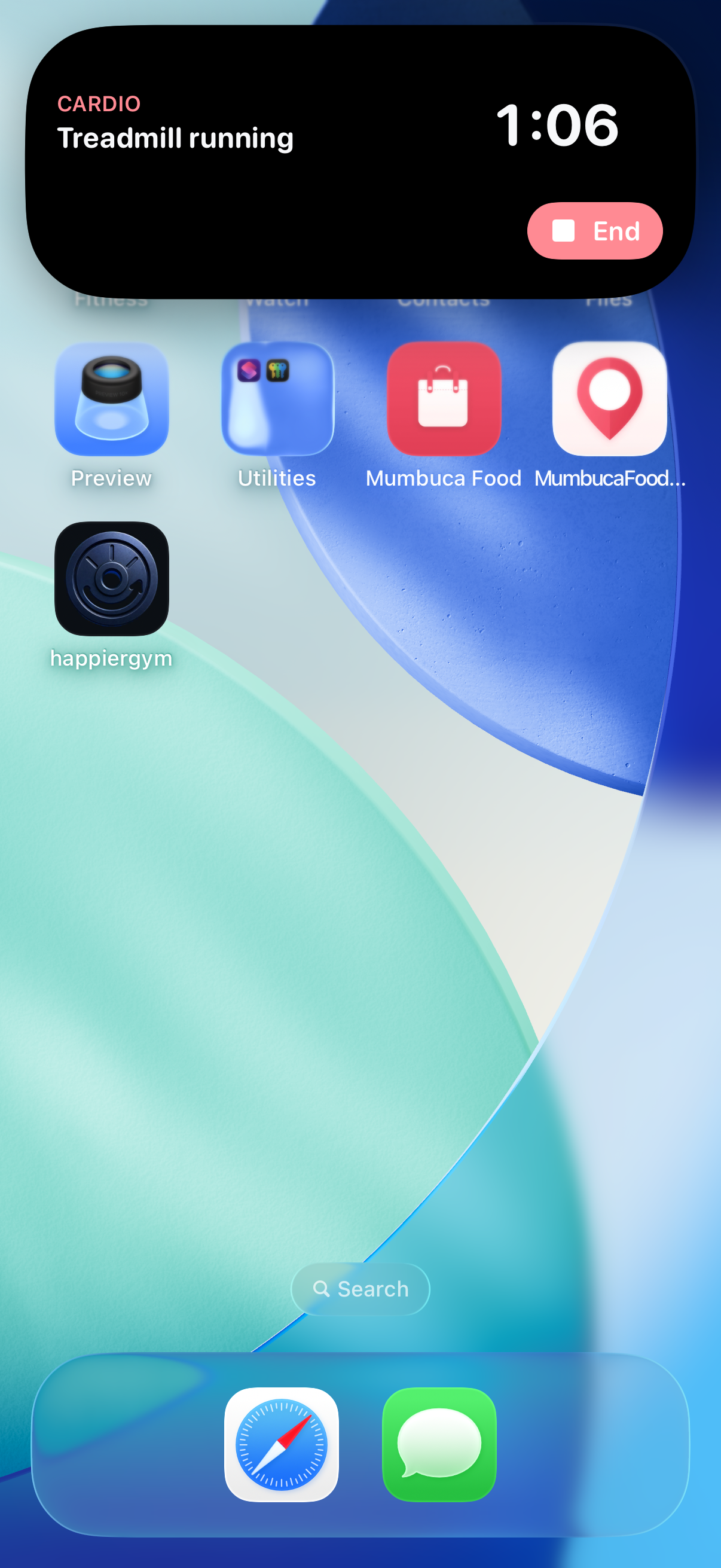
- Time it: Tap Start and the card counts up. The Dynamic Island and the Lock Screen show the same clock with an End button, so the phone can stay in your pocket.
- Already planned: A routine with cardio after strength starts every session with that block waiting at the end, with its minutes on it.
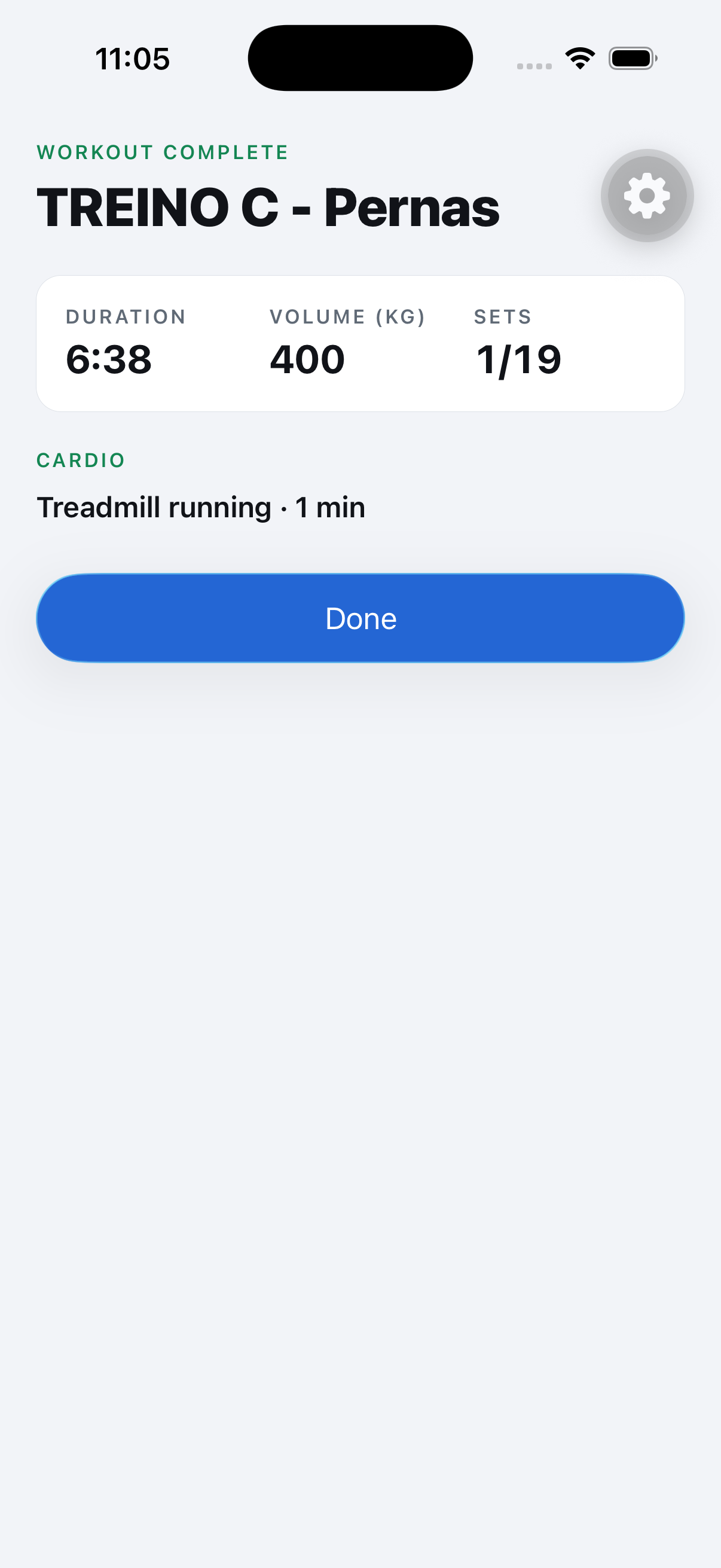
- Counts as cardio, not as lifting: The block shows up in the summary, in the session and under Cardio and sports in History. It never touches your progression, and Apple Health gets it as its own workout of the right type.
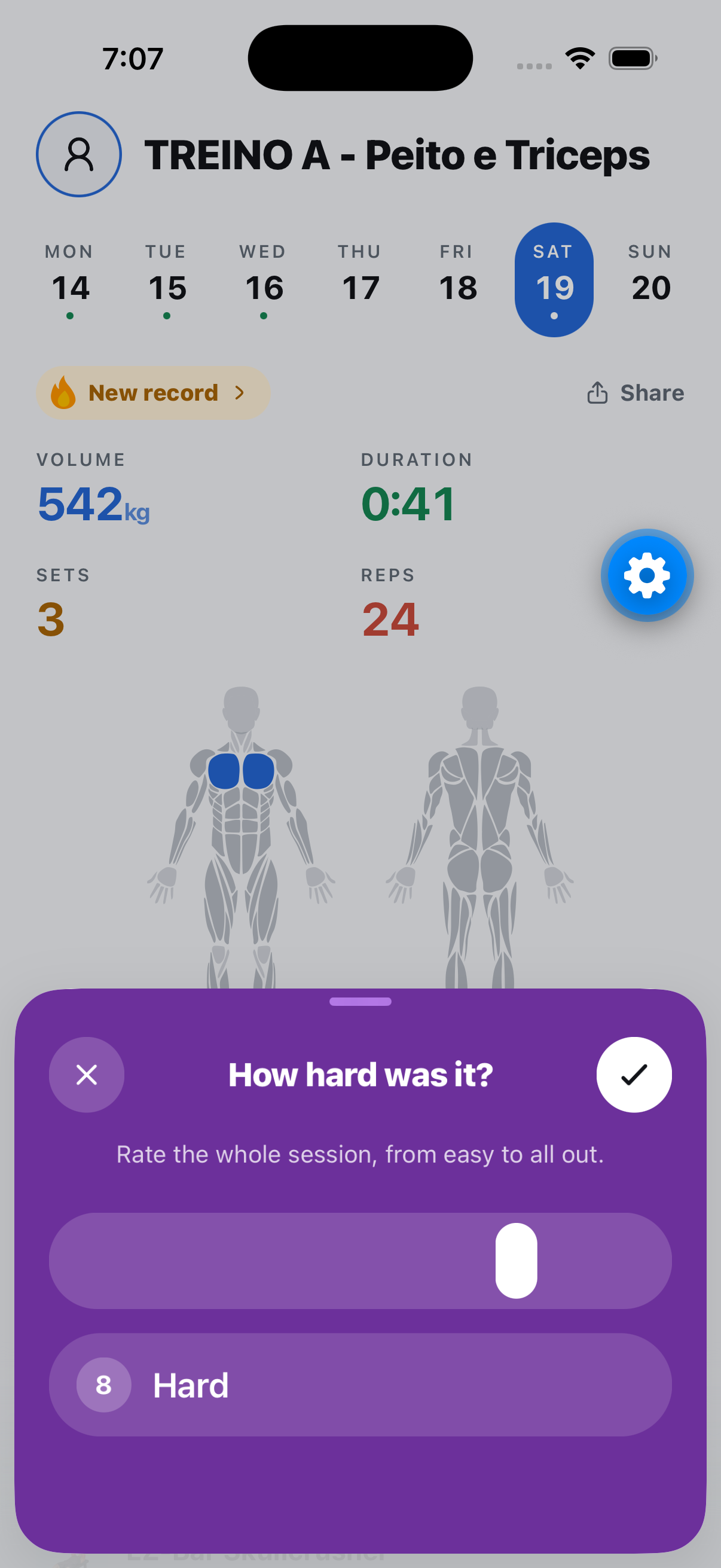
- How hard was it? After Done, one question about the whole session, cardio included. Tap or drag the scale from 1 to 10, or skip it. The answer stays on the session page.
Where to find it: Start a workout, scroll to the bottom, Add cardio.