 happiergym
New in happiergym
A workspace for your students
Review completed sets, follow up on routines and prepare the next rotation from Trainer Studio.
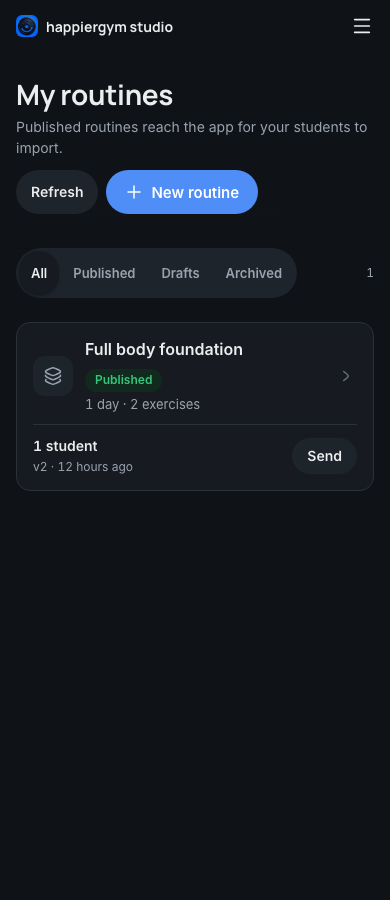 Create a routine here
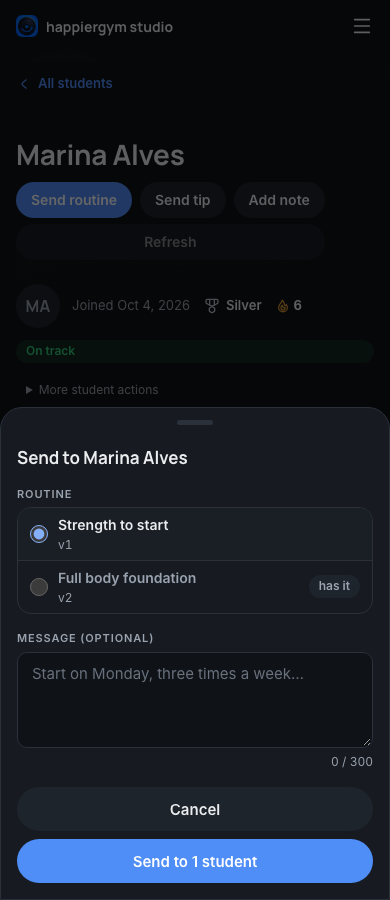
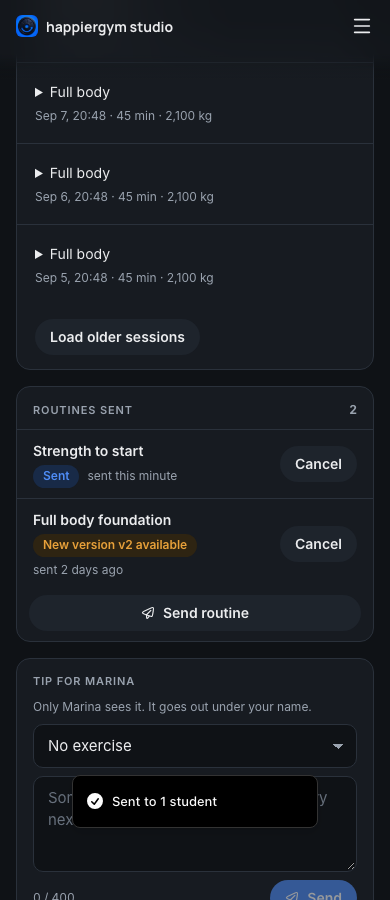
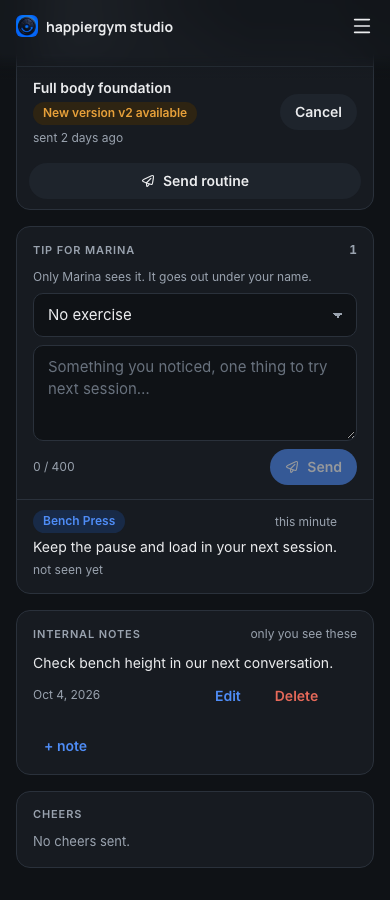

Screenshots use fictional demo data.
- Students: Open a student to review recorded loads, reps and effort, load older sessions and compare an exercise over time. Send a tip from that exercise or keep an internal note.
- Routines: Edit one rotation day at a time, include warm-ups, drop sets and cardio, and resume unsaved work on the same browser and account.
- Routine follow-up: See when a routine was sent, viewed or imported, and who has an update available. Archive a routine without deleting imported workouts or history.
Fixed
- Studio headers blur the content beneath them and fade into the page.
- Student badges show their medals and names in your language, with the recorded achievement tier.
- Exercise lists show the app's illustrations and localized muscle and equipment labels. Activity names also follow your language across student lists, feeds and history.
- Cardio history shows the recorded duration without strength volume or a missing-set warning.
- Routine sends retry pending notifications without creating duplicate assignments.
Where to find it: Open Trainer Studio, choose Students or Routines, and select the student or routine you want to work on.