 happiergym
New in happiergym
Choose your Studio language
Use Studio in English or Brazilian Portuguese. Your choice stays saved in this browser.
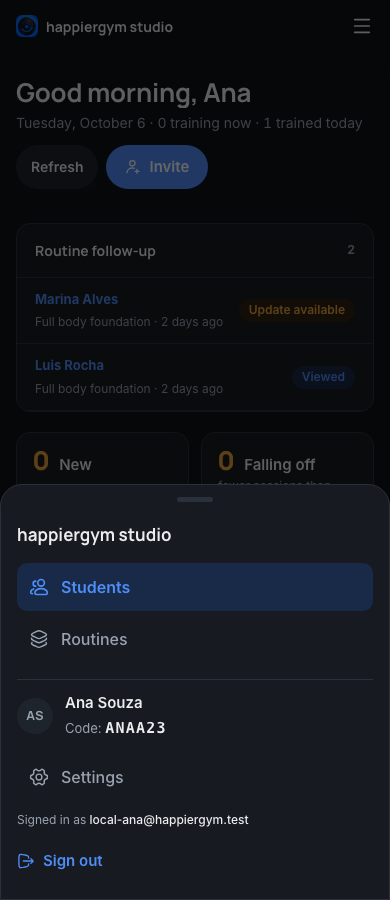 Open Settings here
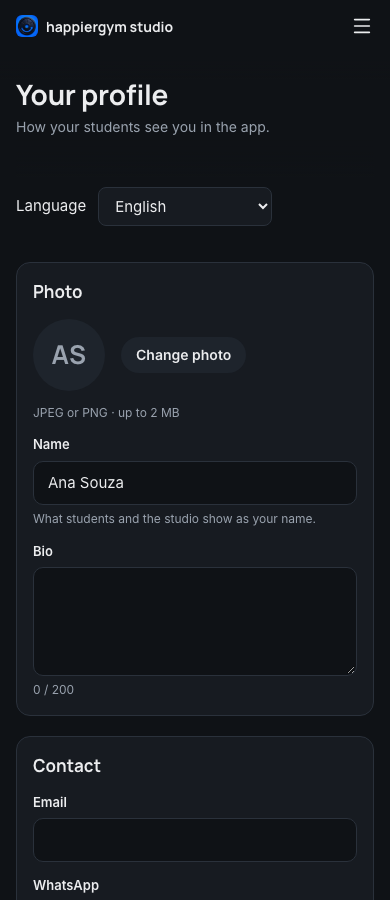
Screenshots use fictional demo data.
- Choose your language on the sign-in page or in Settings. Changing it in Settings keeps your unsaved profile edits, and your routine drafts stay available on the same browser and account.
Fixed
- Trainer accounts open their Studio directly after signing in.
- Students connected to a trainer now receive the notification when that trainer loses Studio access.
- Older exercise tips show the exercise name, including retired exercises and names written by a trainer. If the name is no longer available, the tip says so.
- Challenges show the owner, counting rules and rule history, with the correct order for ties. Finished challenges keep their final ranking when an administrator tries to remove a member.
Where to find it: Open Studio Settings and choose English or Português (Brasil) under Language.