 happiergym
New in happiergym
Add the photo later
Skipped the photo when you finished? Open the session and add it from there. Change or remove it from the same page.
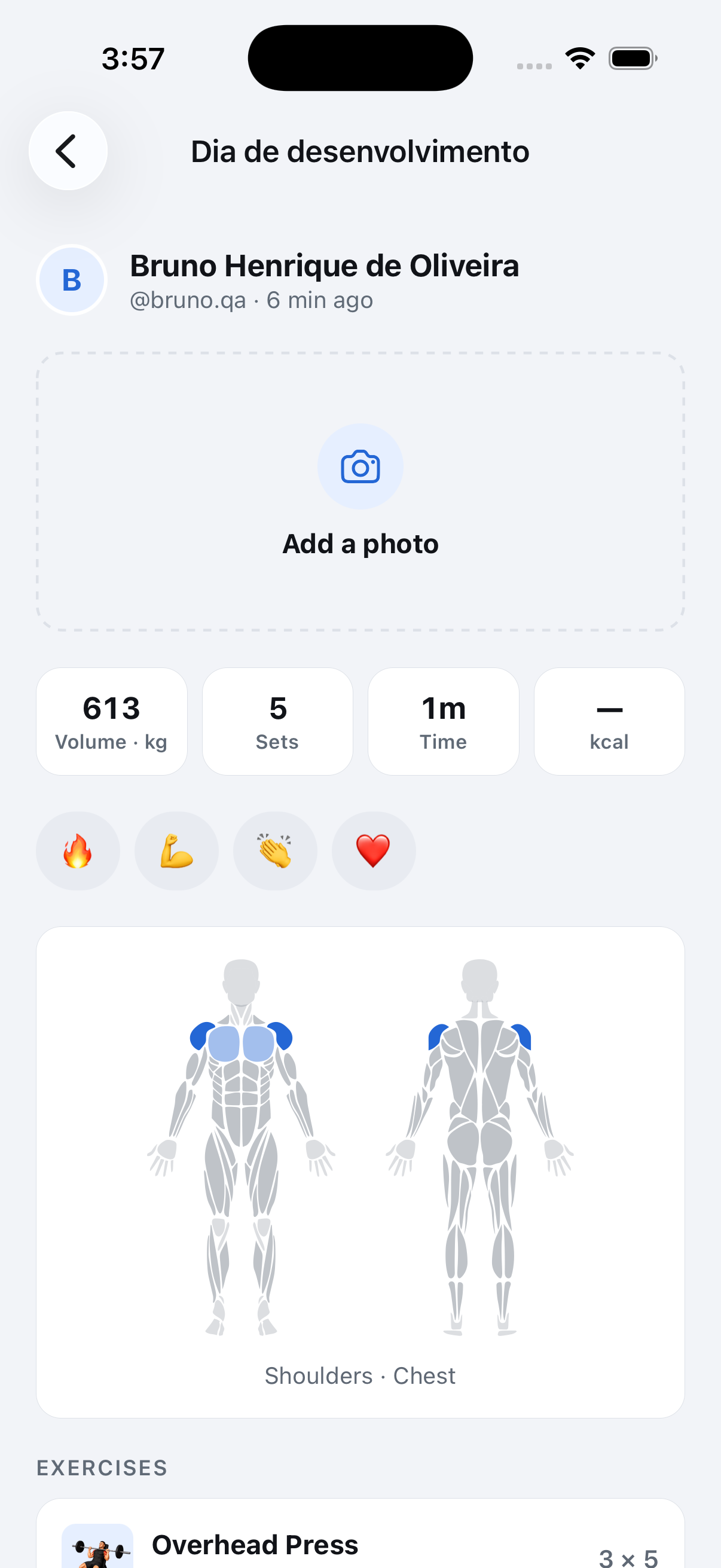 Tap here to add one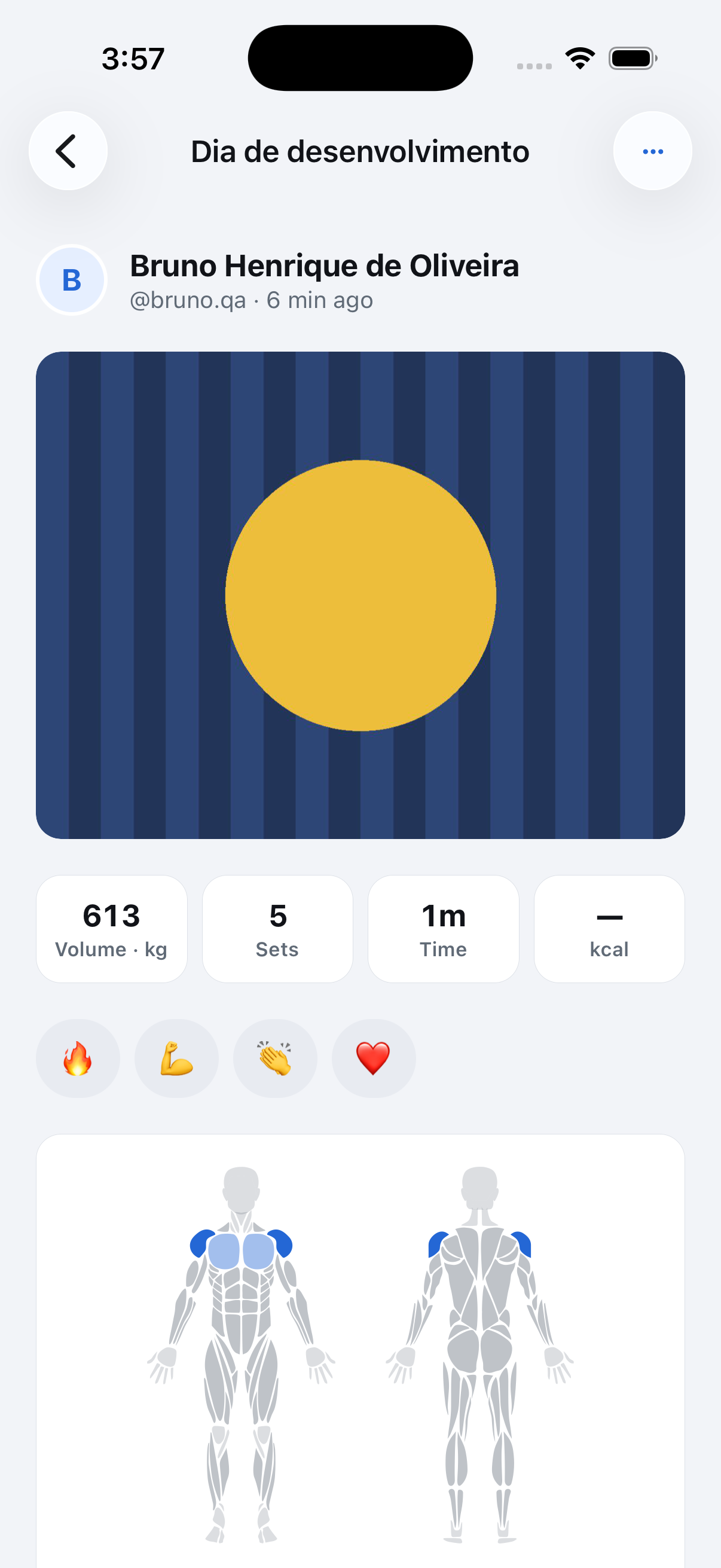
Screenshots use fictional demo data.
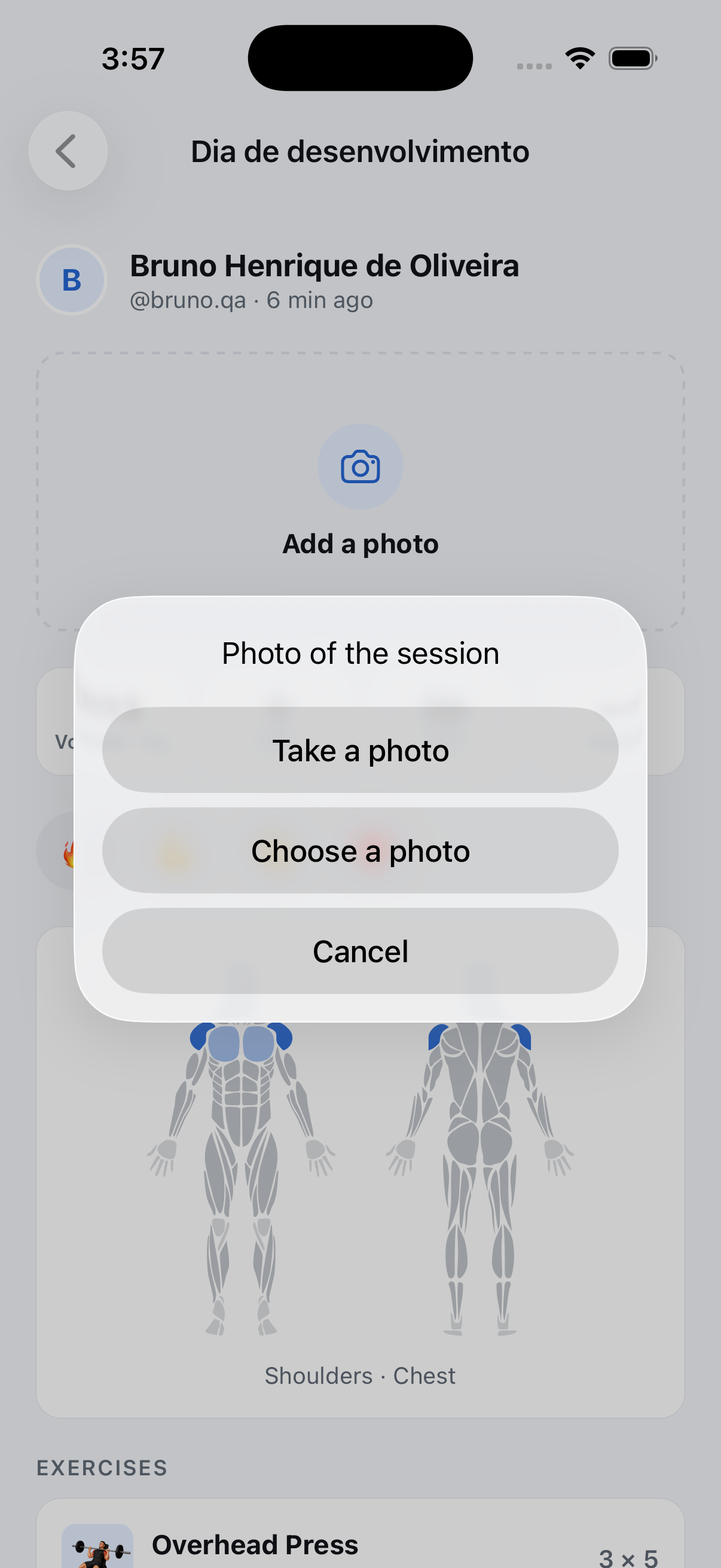
- Add it from the session: Friends tab, open one of your sessions, and the dashed tile where the photo would be reads Add a photo. Camera or library, the same square crop as at the finish, and it shows for the people who follow you and in your challenges.
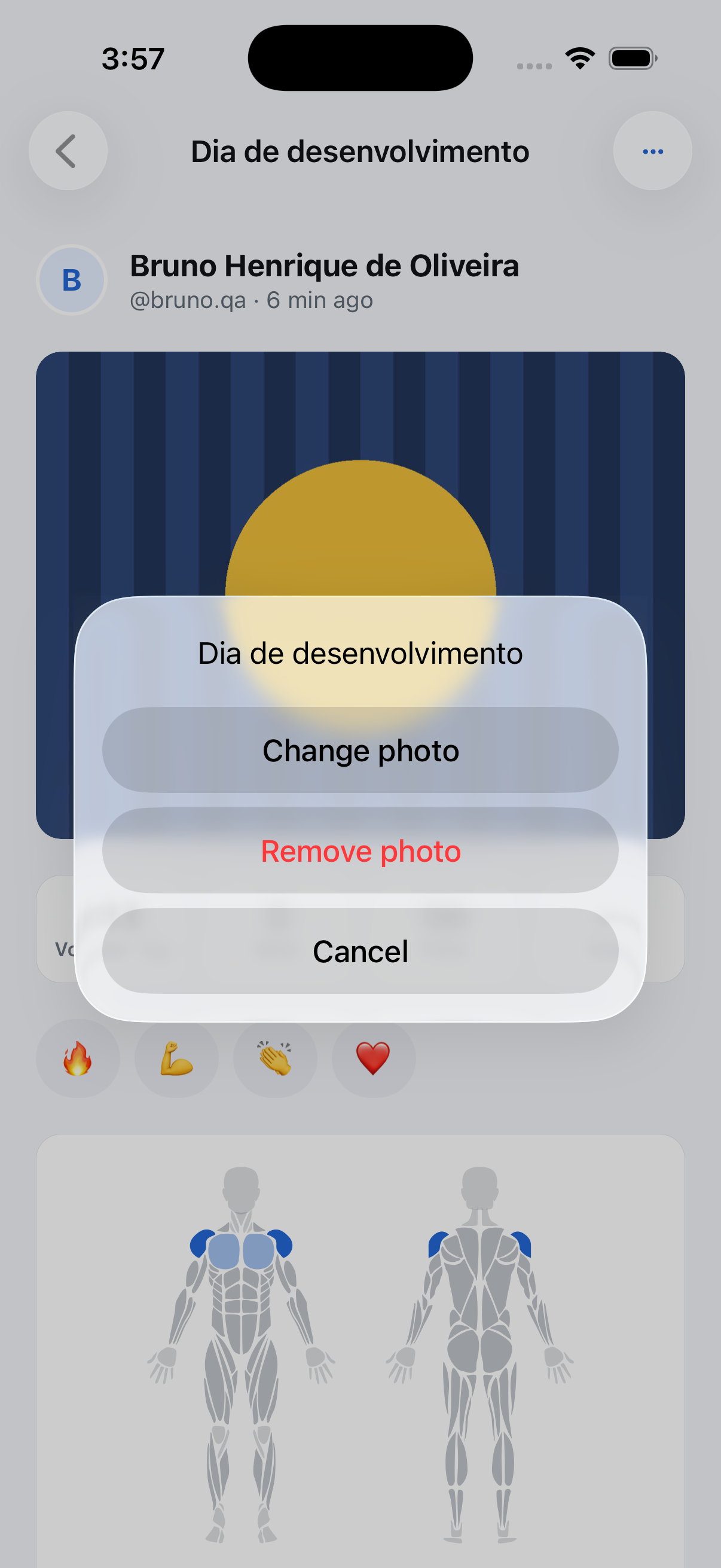
- Change or remove it: With a photo in place, ⋯ in the header offers Change photo and Remove photo. Removing asks first.
- One photo everywhere: The finish screen, the session page and the feed card show the same picture, so adding it on one side updates the others.
Where to find it: Friends tab, open one of your sessions, tap Add a photo.