 happiergym
New in happiergym
Routines that wait for you
Routines no longer have rest days. Your next workout waits on Today until you do it, any day of the week. You can also ask your coach to change the whole routine and check every change before saving.
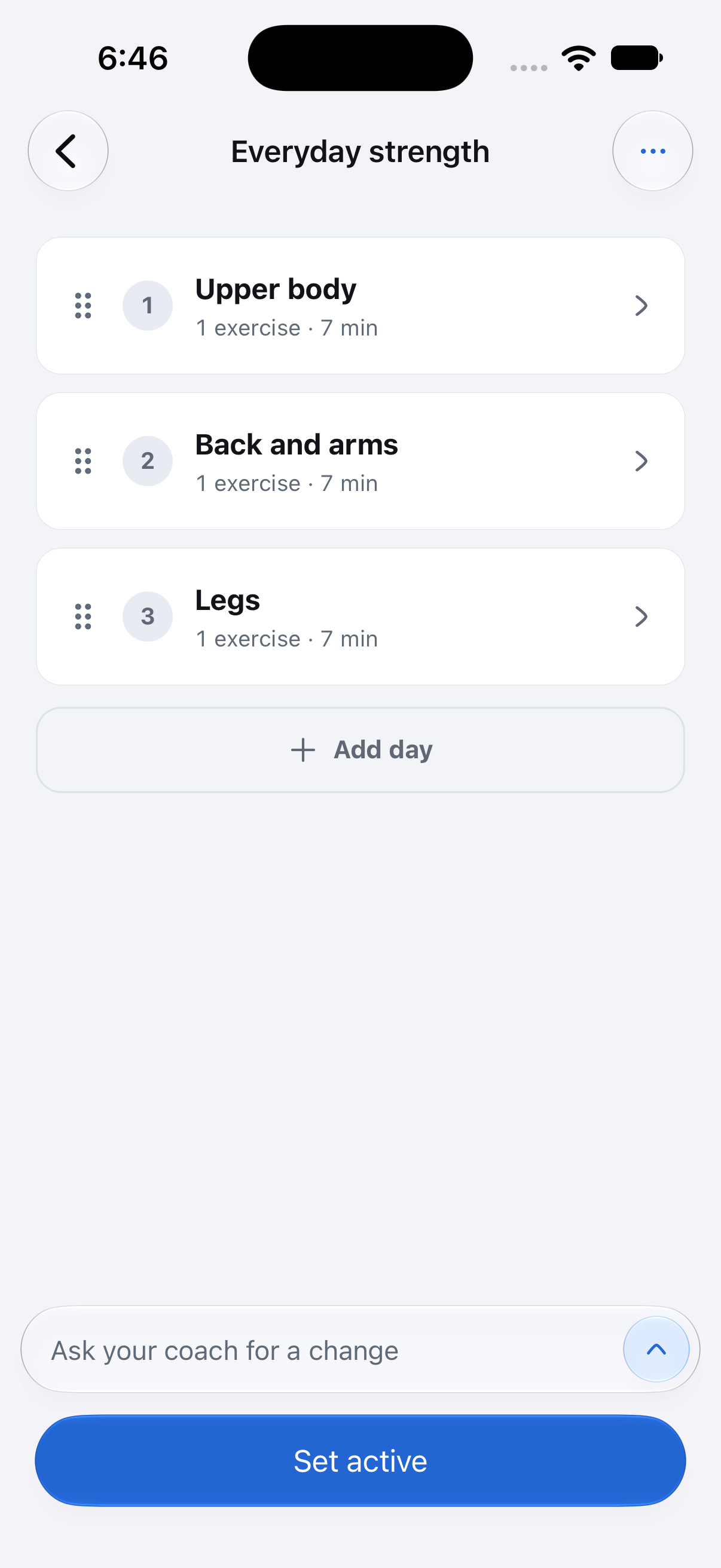 Ask for a change here
Screenshots use fictional demo data.
- Routines: Rest days, the Include weekends switch and Push workout are gone. Skip a day and nothing moves: the same workout waits for you, on Saturday too. Rest days already in your routine are removed, and your workouts keep their order and history.
- Routine page: Each day is a numbered card. Review routine moved to the three-dot menu at the top, with Share routine, Rename and Delete routine. A routine that isn’t active has a Set active button at the bottom.
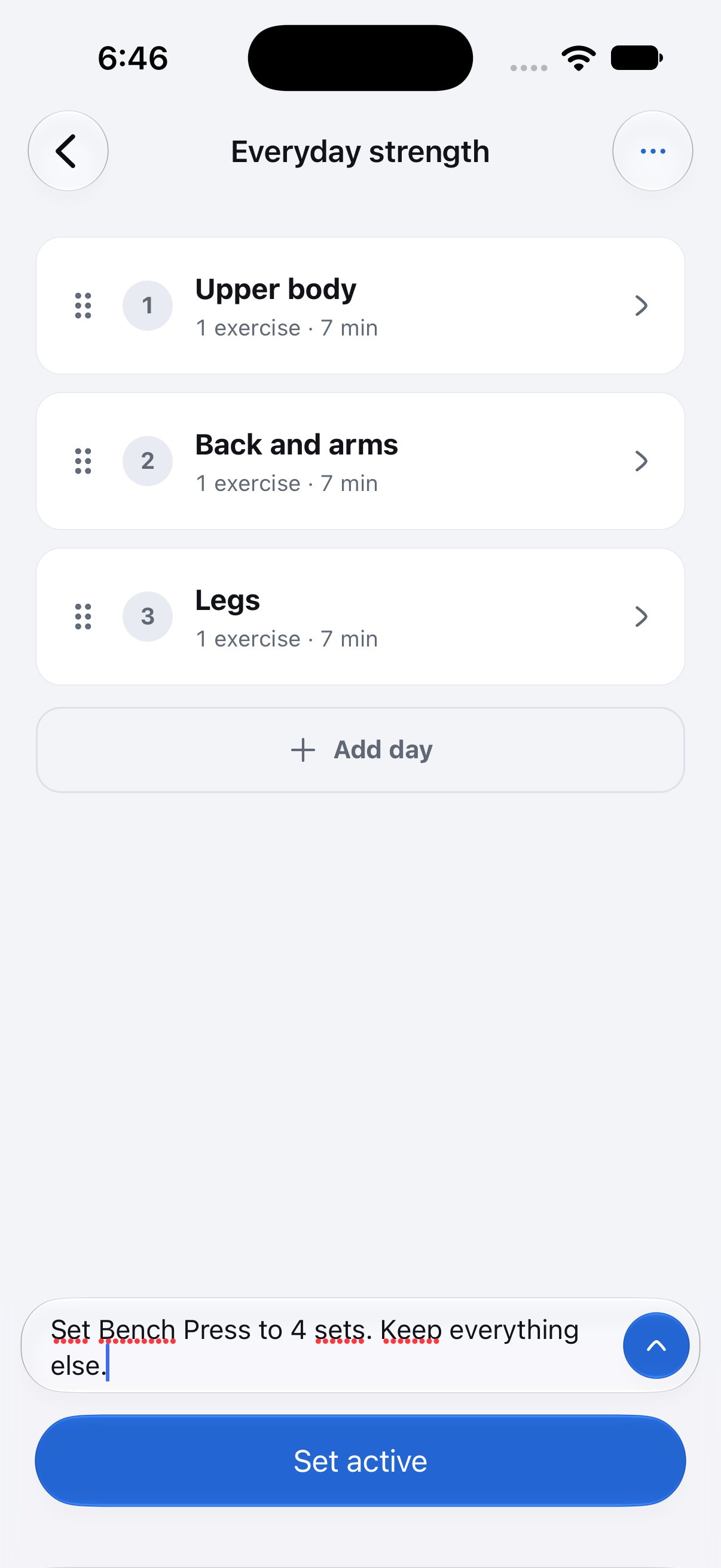
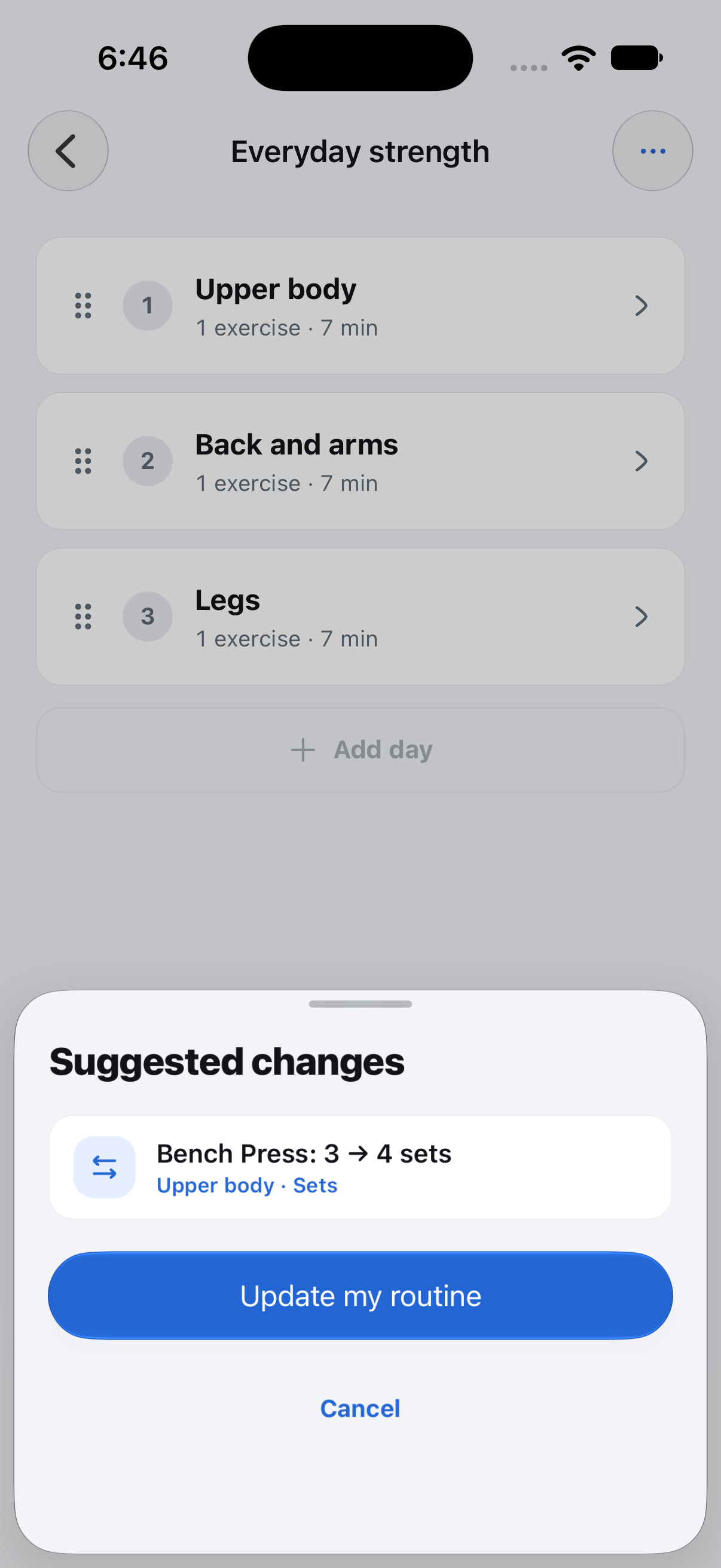
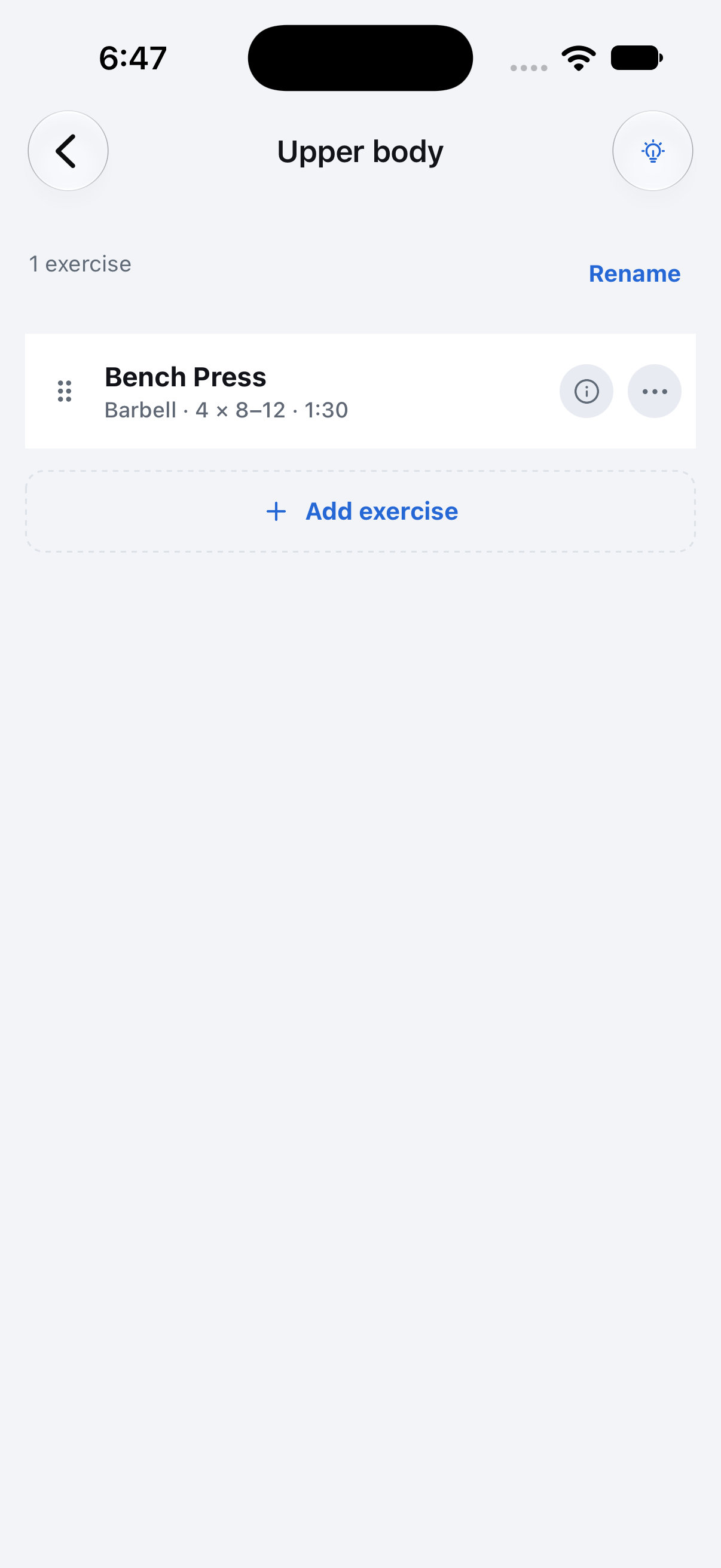
- Your coach: Type a change at the bottom of any routine, like "no barbell squats", and your coach can change exercises, sets, reps and rest on any workout day. Suggested changes shows each one before anything is saved. Tap Update my routine to save, or Cancel to leave the routine as it is. Right after saving, Undo puts it back.
- Today: The pill at the top shows your streak in weeks. Tap it to open the details in History. The workout name and its buttons now share one row.
Fixed
- The routine coach input is wider, with space above the keyboard and a fading blur behind it. The send button uses blue Liquid Glass on supported iPhones.
Where to find it: Available in TestFlight. Open a routine in the Routines tab and type your change at the bottom. Your streak is at the top of Today.