 happiergym
New in happiergym
Log sets from the Lock Screen
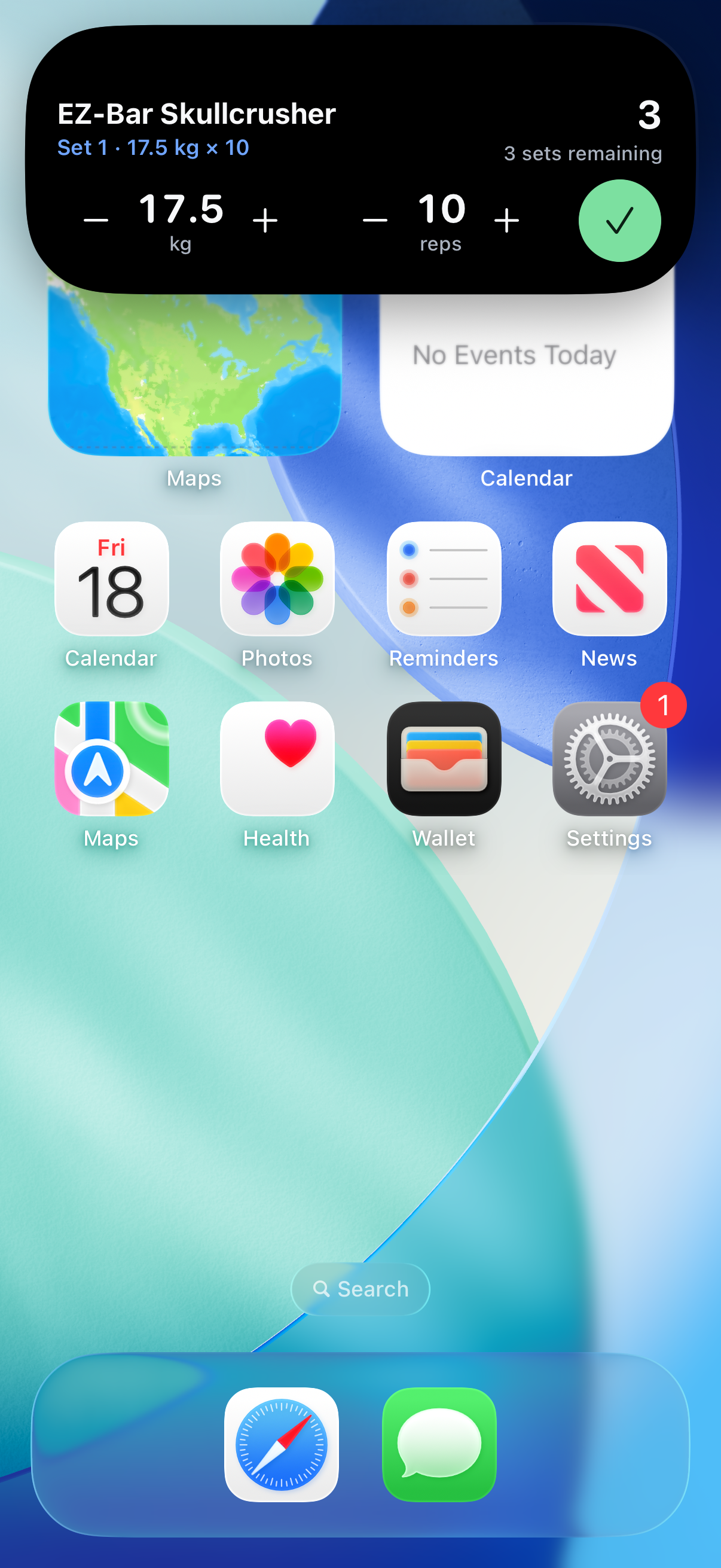
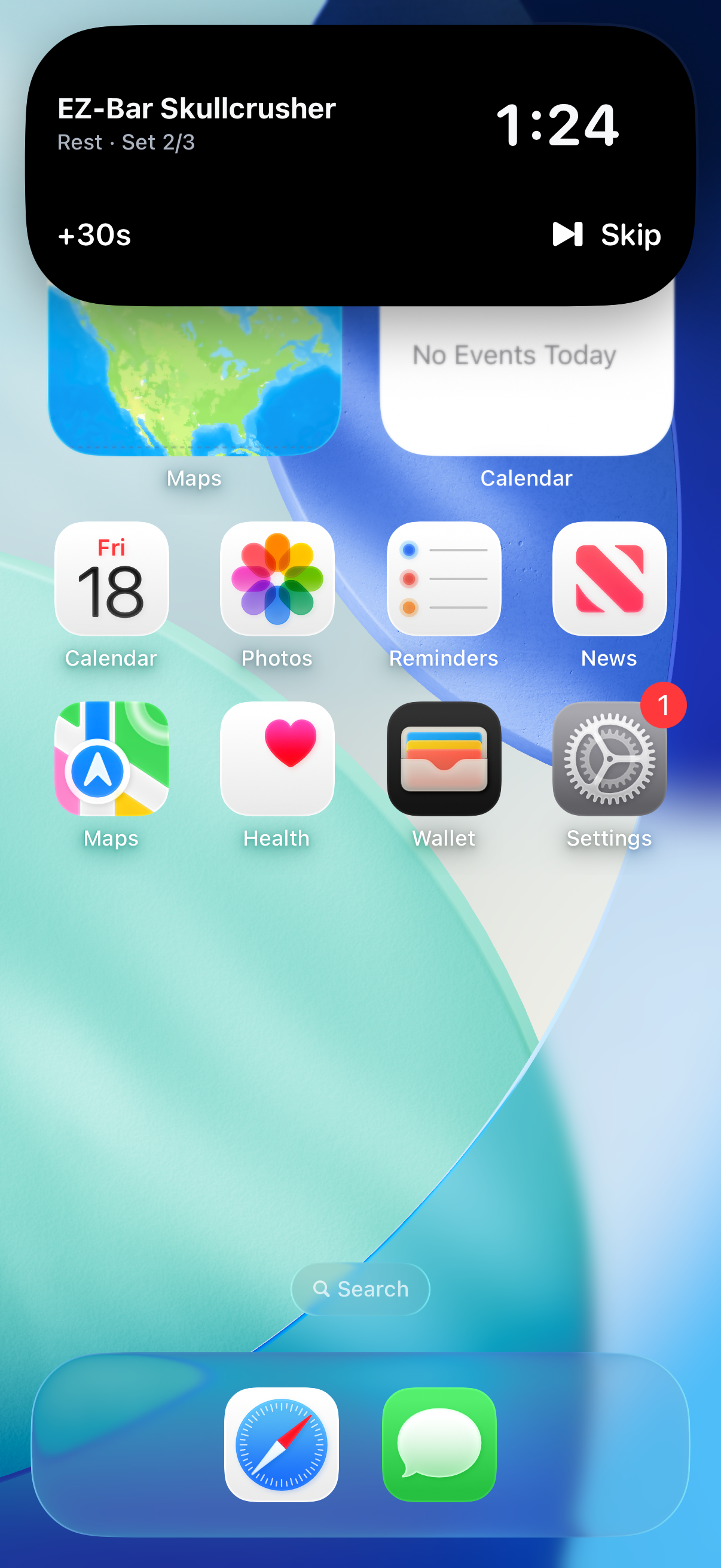
Change the weight and reps and tick the set off from the Dynamic Island or the Lock Screen, without opening the app.
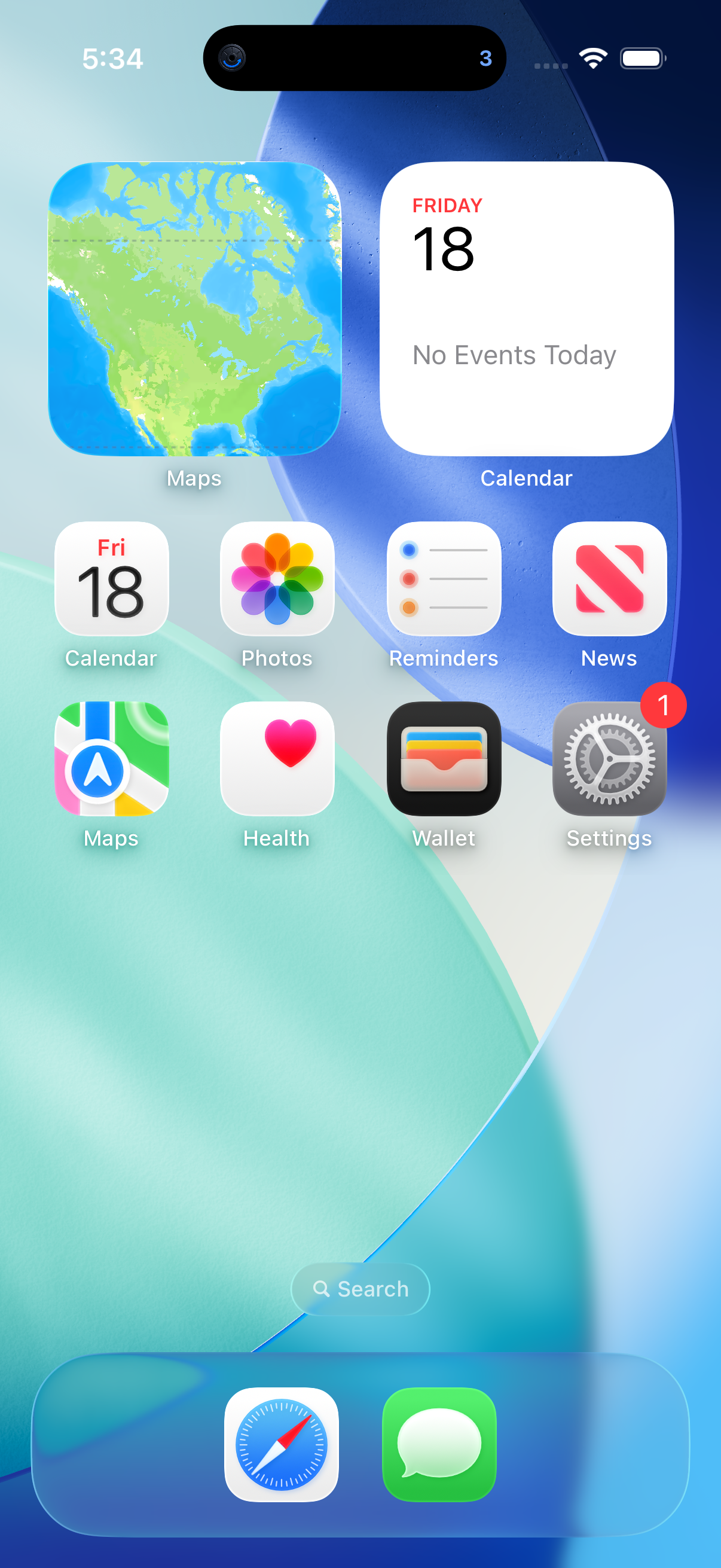
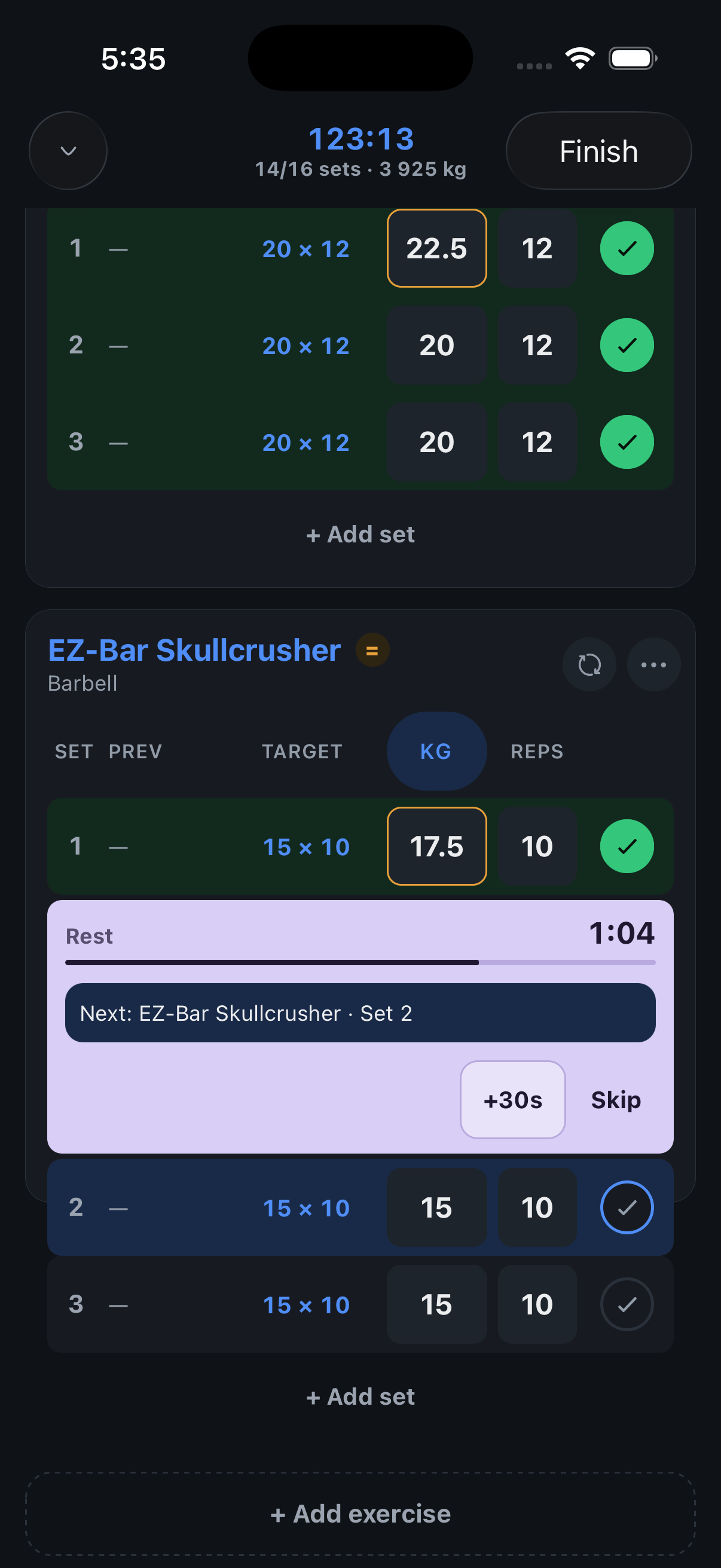
Screenshots use fictional demo data.
- Log without unlocking: The workout card now has −/+ for weight, −/+ for reps and a check. Tap the check and the set is logged and the rest starts, the same as in the app.
- The next set is ready: During the rest, the card already shows the next set with its target, so you can adjust and confirm before the countdown ends.
- Steps that match the exercise: Weight moves by the exercise’s own increment (2.5 kg by default). With “weight per side” on, the step applies to each side.
Fixed
- Routine days: The day rows in the routine editor and in the coach’s preview are now the same card: drag handle on the left, chevron on the right, and no numbers. Swipe a day left to delete it in both places.
Where to find it: Long-press the Dynamic Island during a workout, or look at the Lock Screen. Needs the newest TestFlight version.