 happiergym
New in happiergym
Manage challenge entries
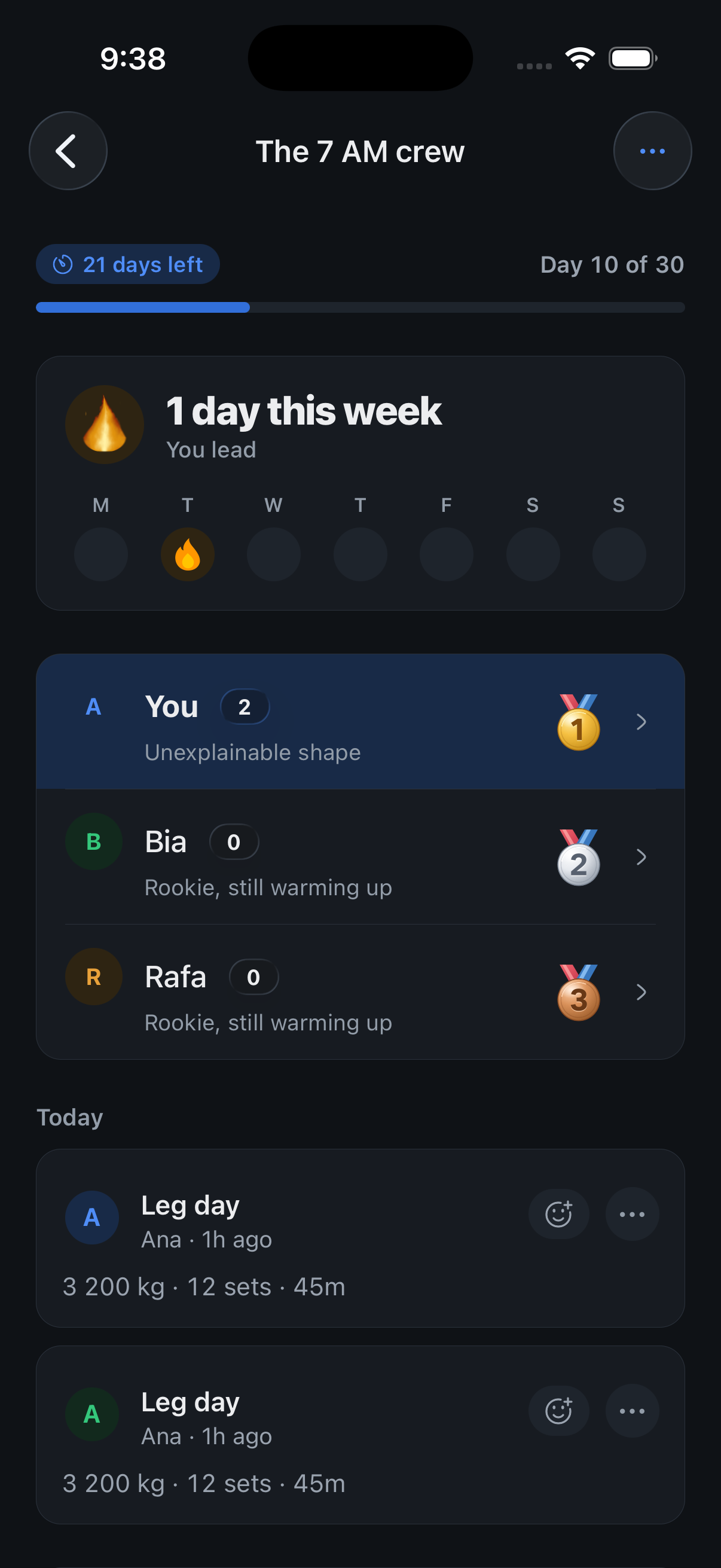
Challenge creators can delete duplicate or invalid entries while the challenge is running.
Screenshots use fictional demo data.
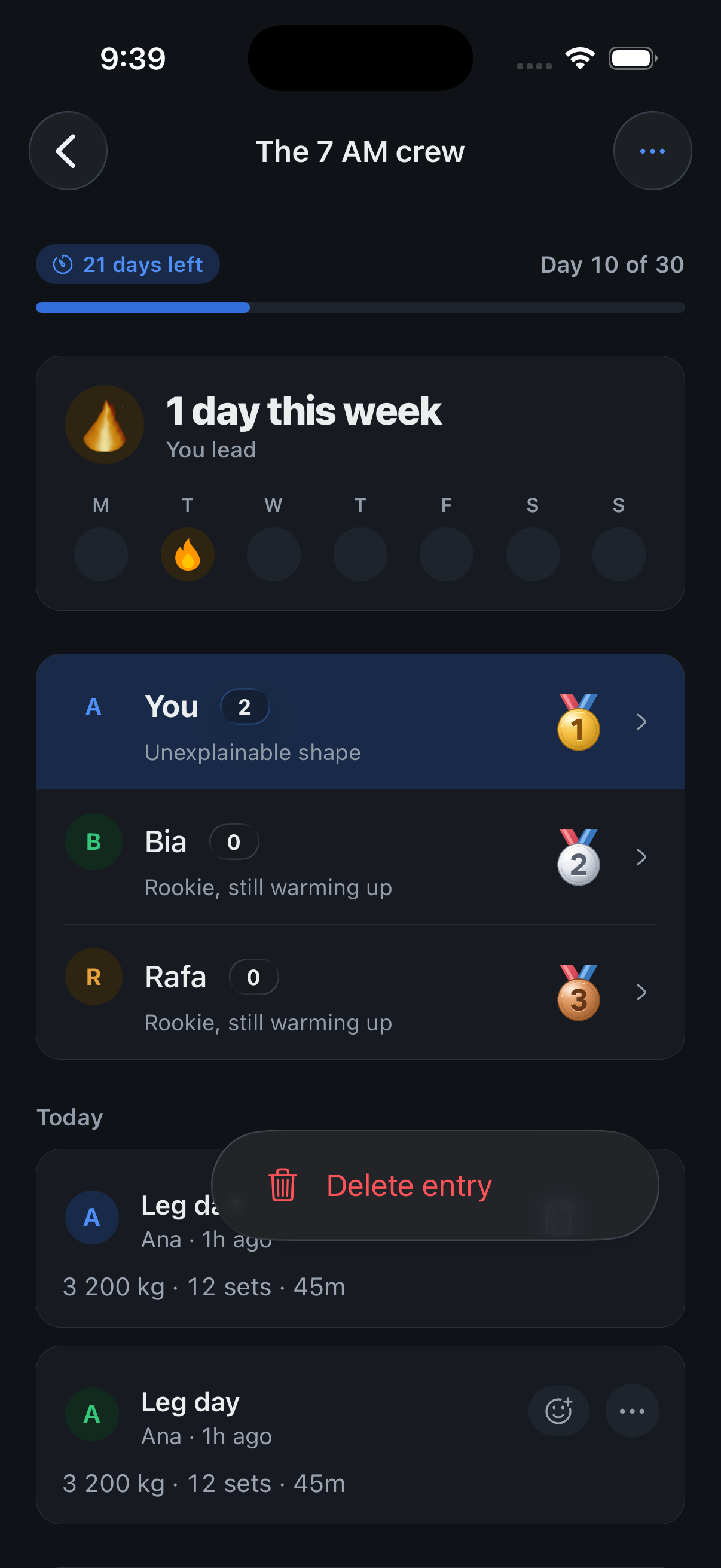
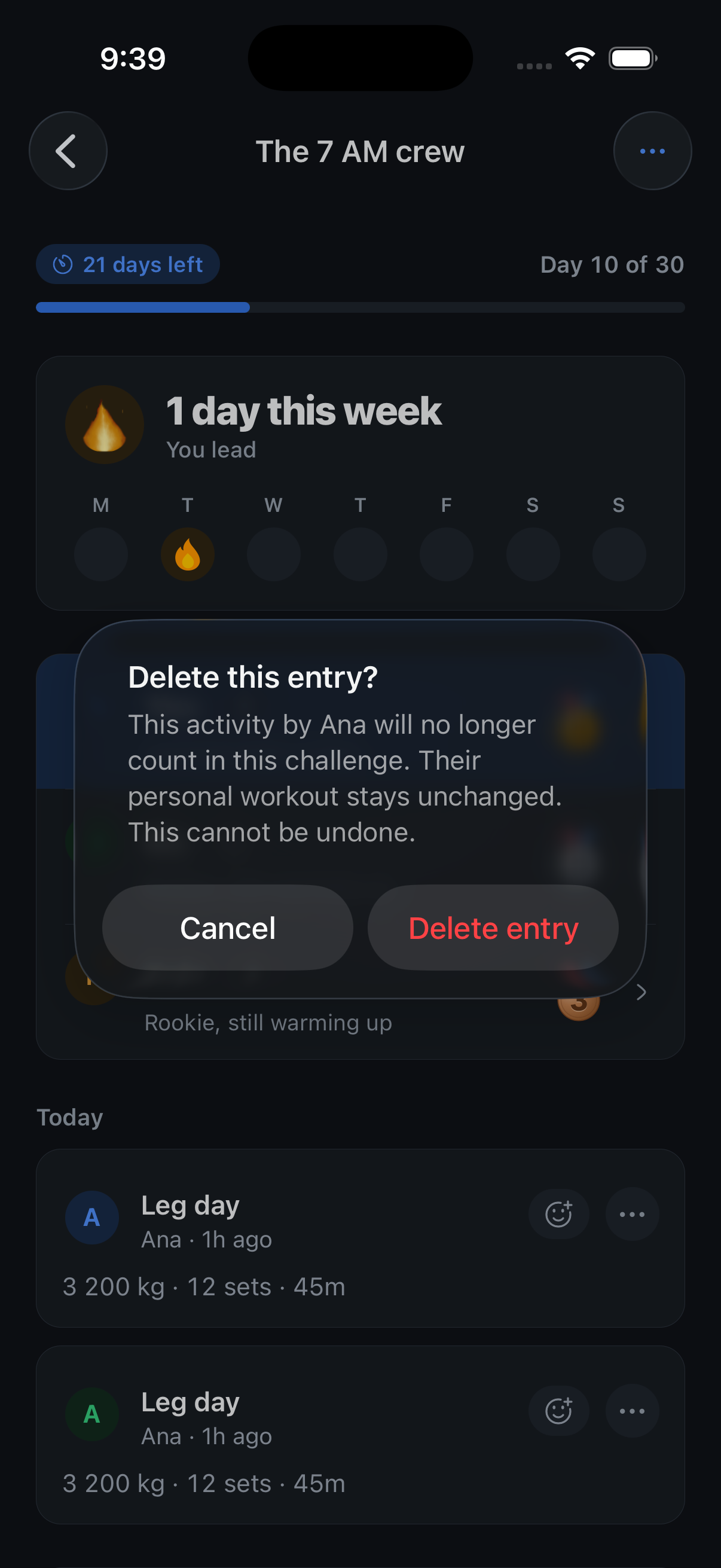
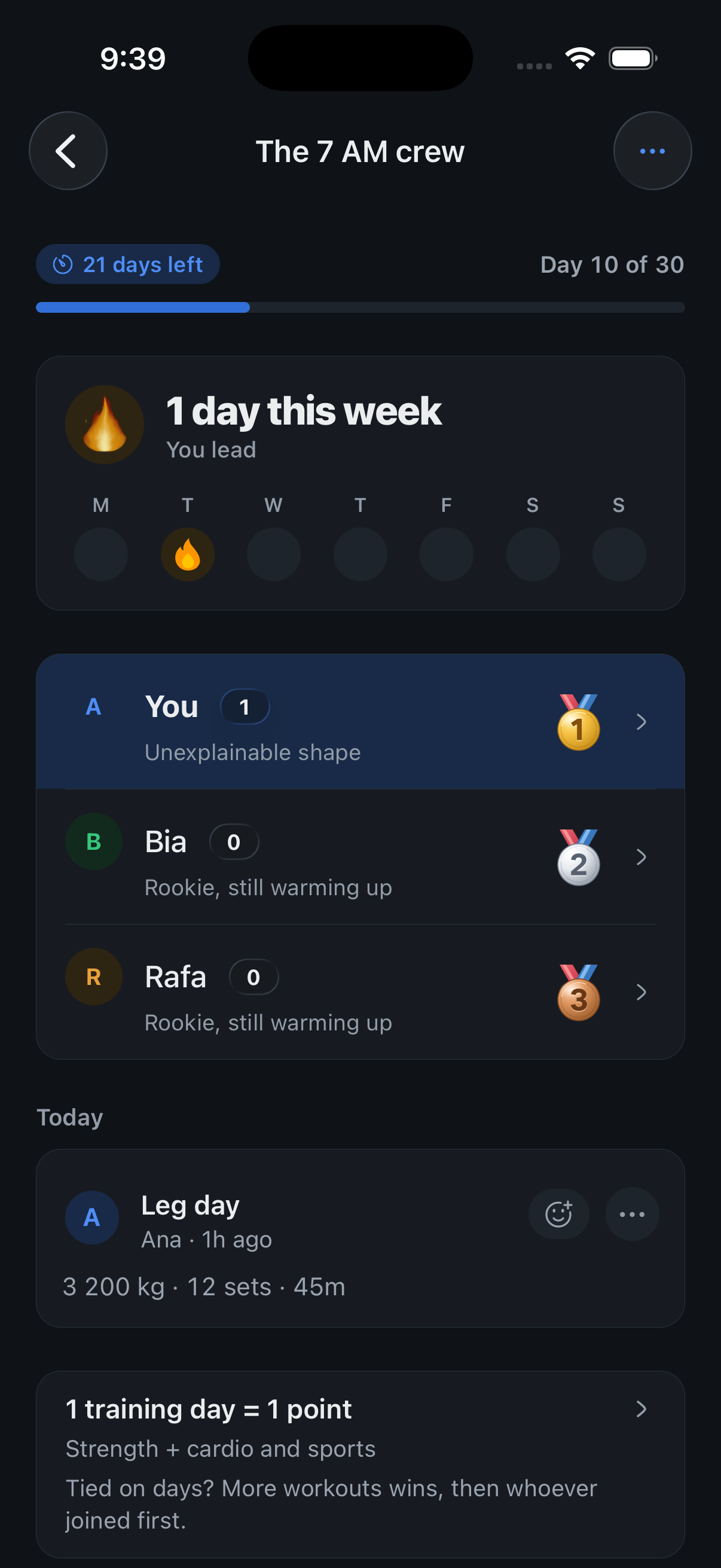
- Open an activity’s three-dot menu and choose Delete entry. After you confirm, it stops counting in that challenge and the ranking updates.
- Personal workouts stay saved. Deleted entries cannot return through sync. Ended challenges stay read-only.
Where to find it: Open a challenge you created and tap the three dots beside an activity.