 happiergym
New in happiergym
Edit your challenge
You can update a challenge you created from its new editing page.
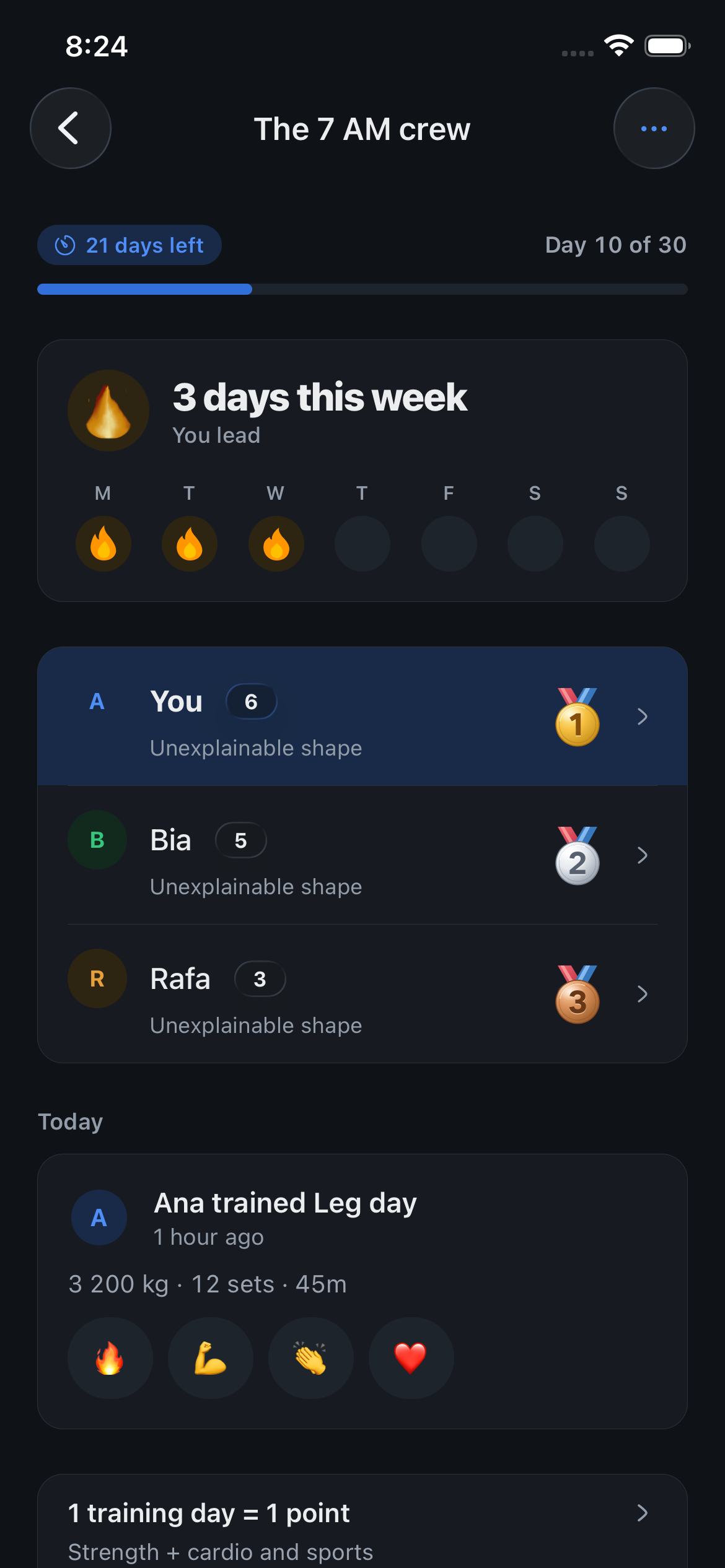 Start here to edit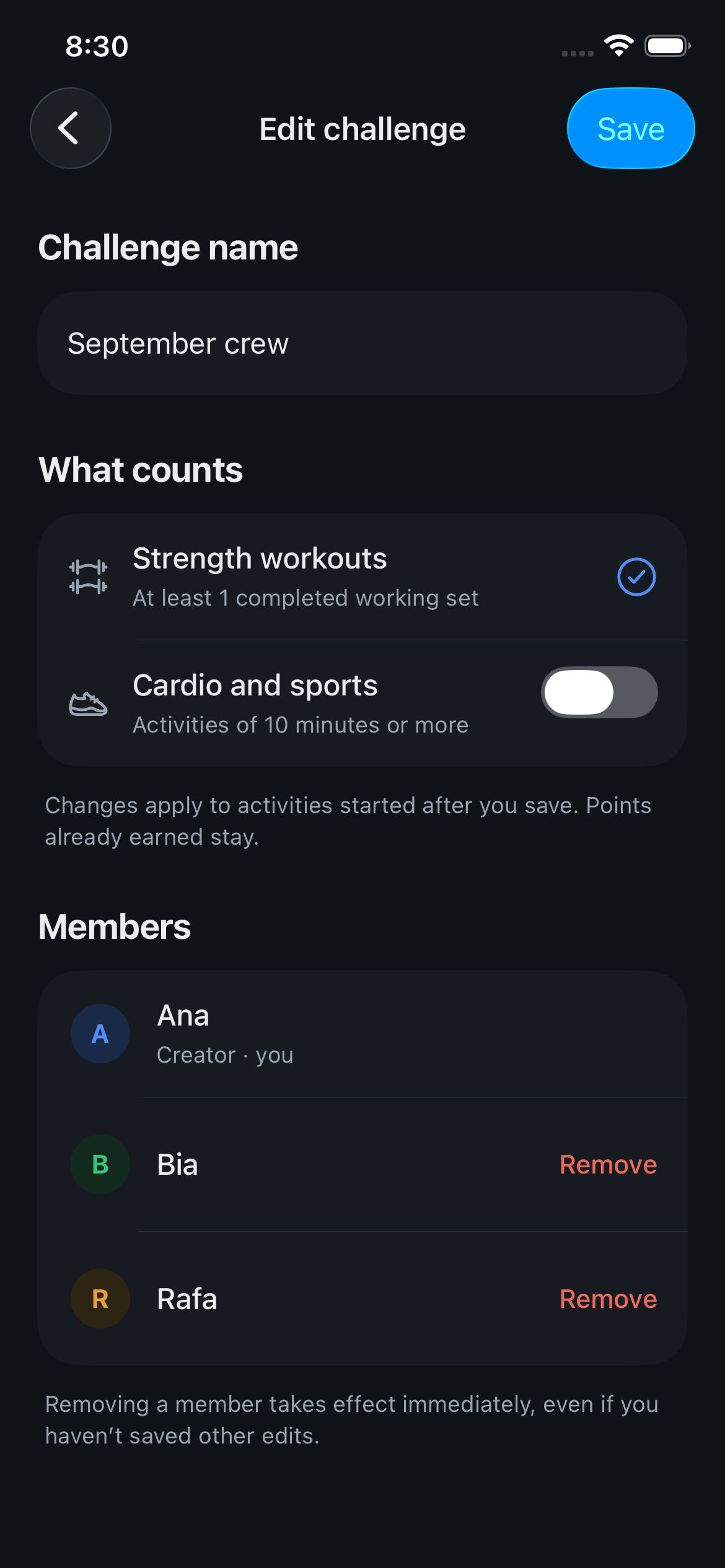
Screenshots use fictional demo data.
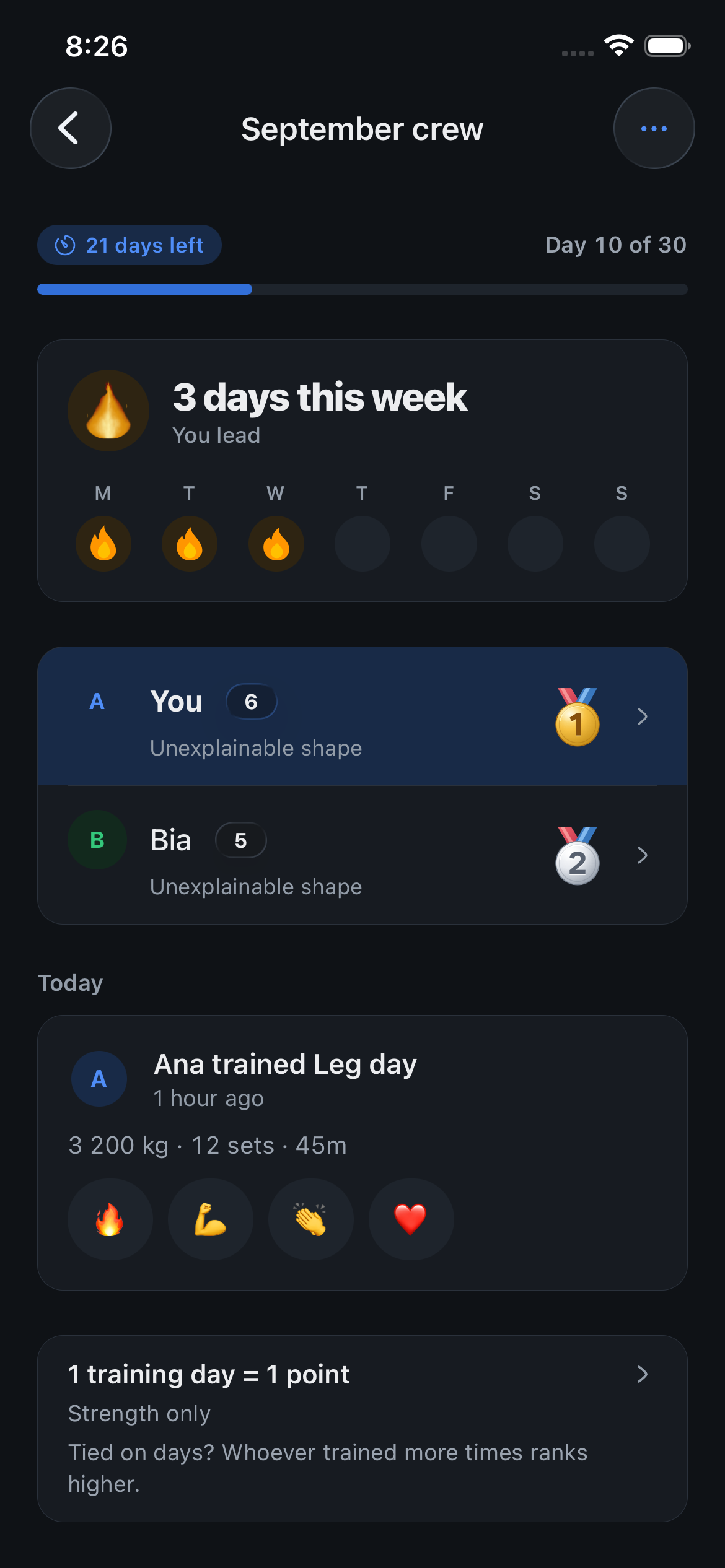
- Change the name: Rename the challenge whenever your group needs a new name.
- Choose what counts: Count strength workouts only, or include cardio and sports. The new rule applies to activities started after you save. Points already earned stay.
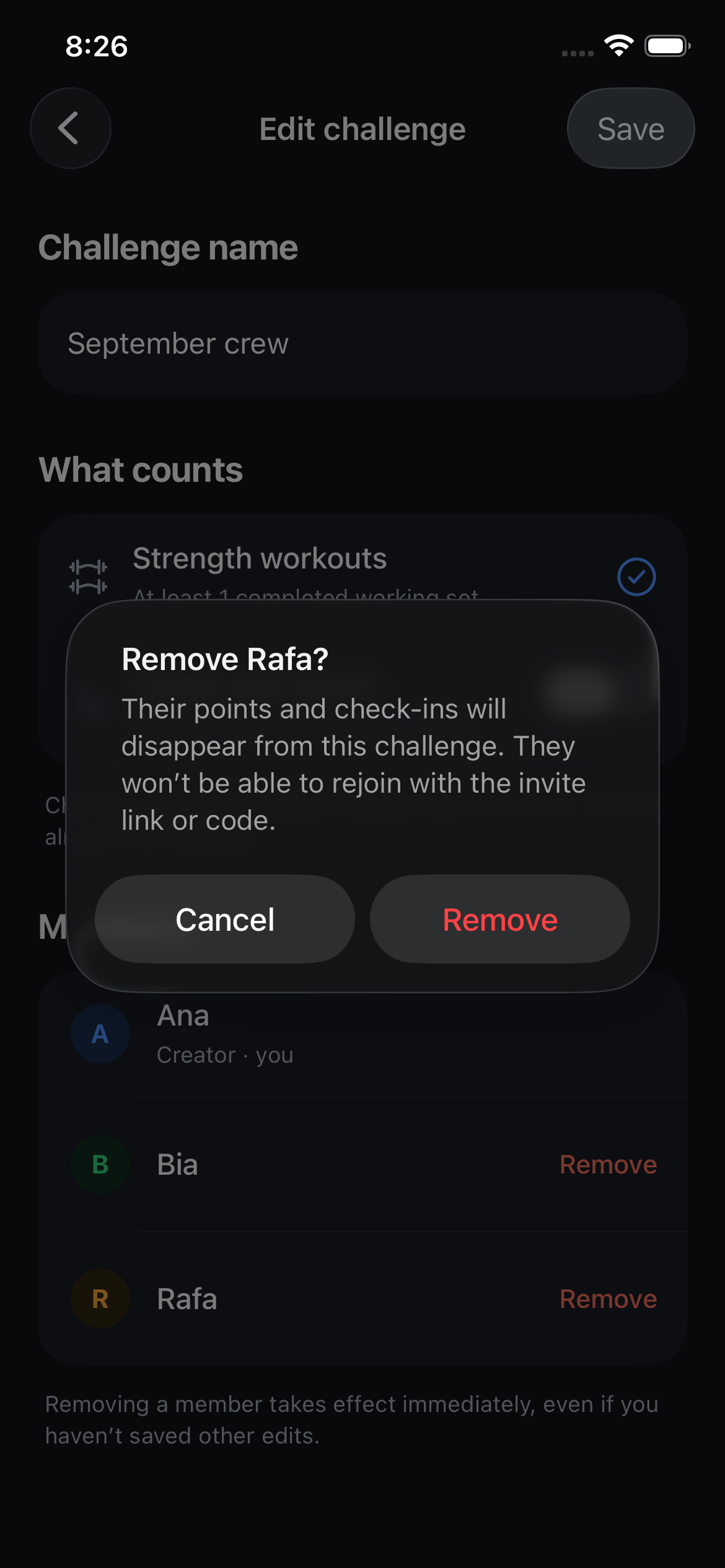
- Manage members: Remove someone after confirming. Their challenge points are removed too, and they cannot rejoin with the invite.
Fixed
- Loading: Every spinner in the app is now the happiergym weight plate, including pull to refresh.
- Cardio and sports: Tapping a logged activity opens its details, with what you did and the guidance. The pencil in the header opens the editor.
- History: The calendar shows the day’s session photo, and you can pull down to refresh.
- Group notifications: Tapping “someone trained” opens that workout instead of the group.
- Challenges: A workout finished moments before opening the group now shows in your week without a manual refresh.
- Inactivity reminders: A push after 3, 7 and 14 days without training, at your usual hour. Turn it off in Settings under Notifications.
- Home: A bigger profile picture, and the day strip sits closer to the title.
- Home: The “someone trained today” row shows their photo, says “logged running” for cardio and sports, and opens that session.
- Home: Once you tap that row it goes away until a friend logs something new.
- Settings: The header is translucent like the other pages, with the list dissolving under it.
- Weight per side: In an exercise’s menu, choose “Weight per side” to type what goes on each side; the app logs and analyzes the total, twice that number.
- Live Activity: The Lock Screen and Dynamic Island follow the exercise you are actually doing, not the first one on the card.
- Live Activity: When the rest ends, the card flips to the next set on its own, even with the app closed.
- Insights: The push/pull balance card says how many sets are missing, and once you accept it, it stays away for the rest of the day instead of coming straight back with new numbers.
- Dynamic Island: The compact pill stays compact, with the happiergym plate on the left and the countdown on the right, instead of stretching across the whole status bar with a clock icon.
- Friends: A profile that already knows your body figure keeps it; a phone that never answered takes that answer instead of clearing it.
Where to find it: Open a challenge you created, tap ⋯, then Edit challenge. Finished challenges stay read-only.